Bookkeeping
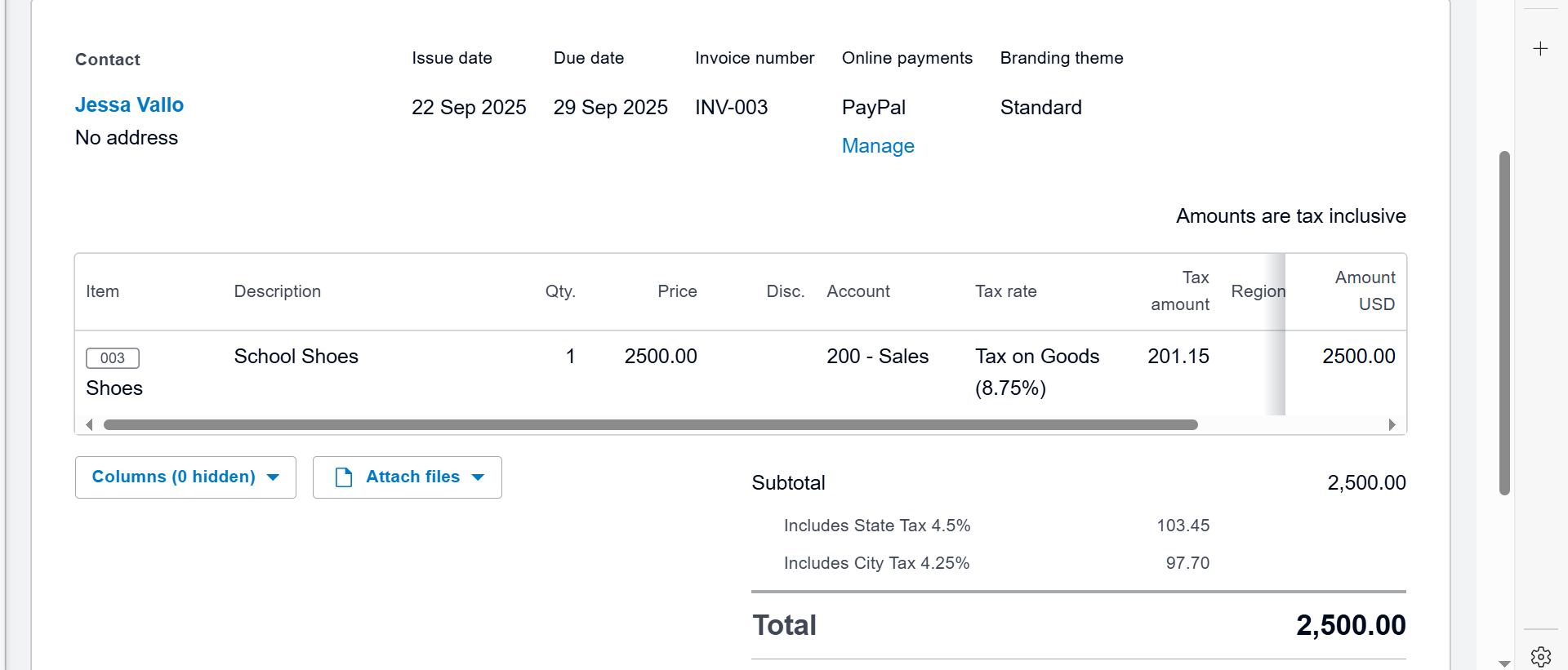
1. Xero Software : Invoice

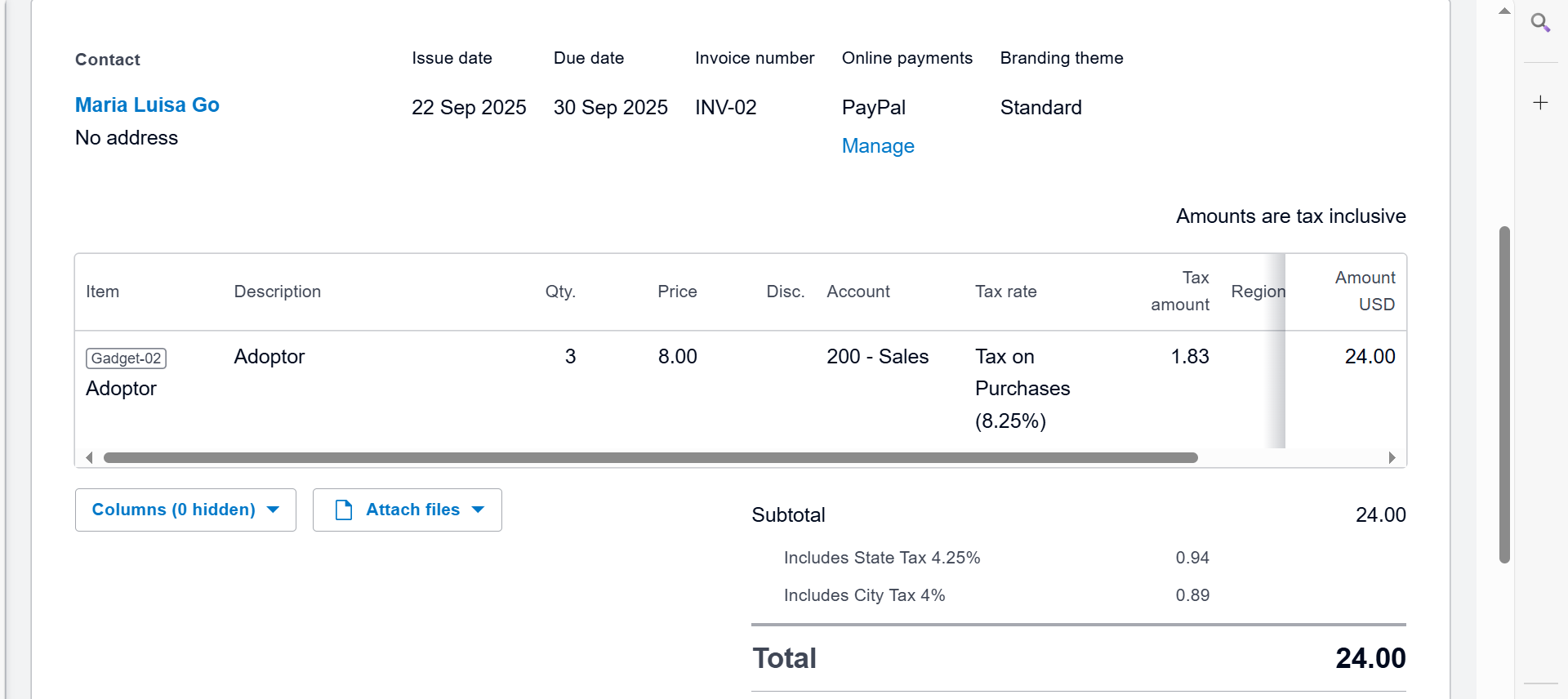
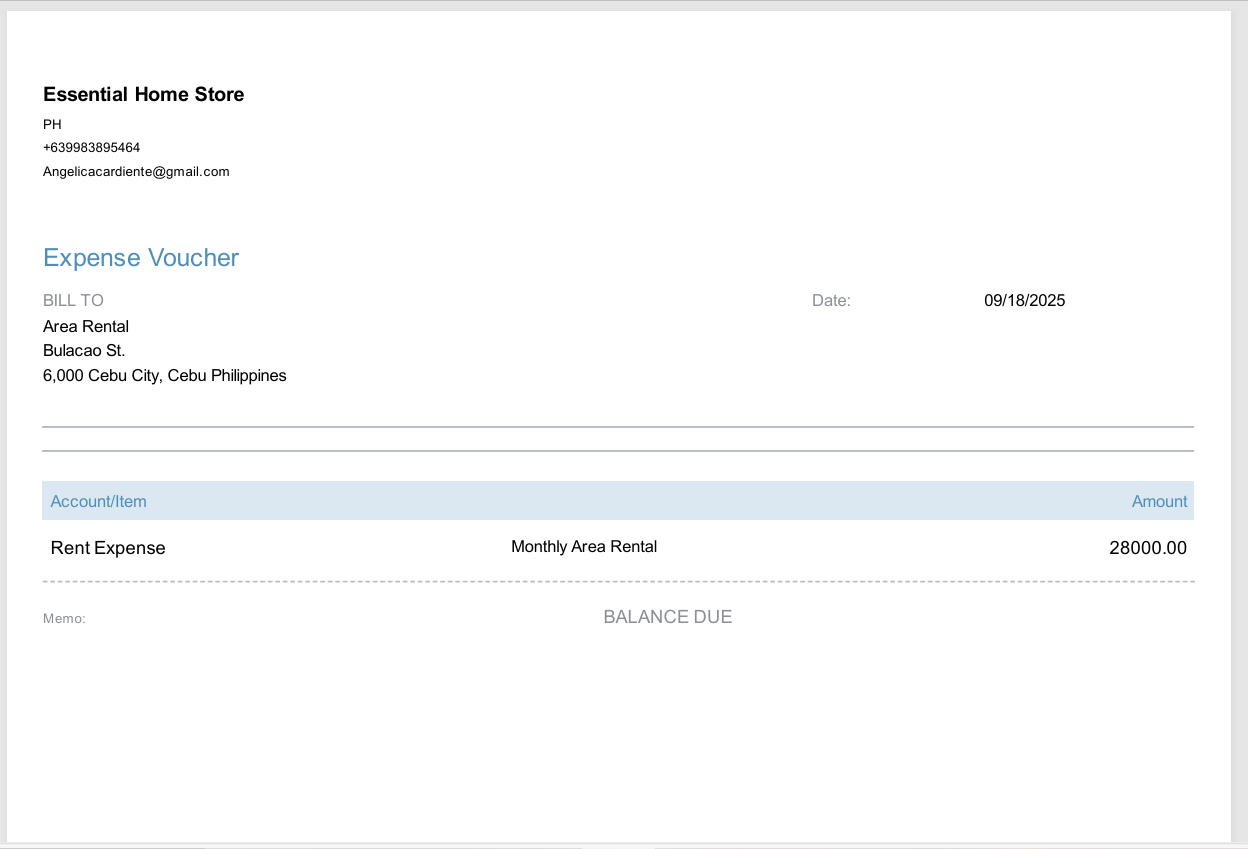
2. Xero Software : Bill (Accounts Payable)
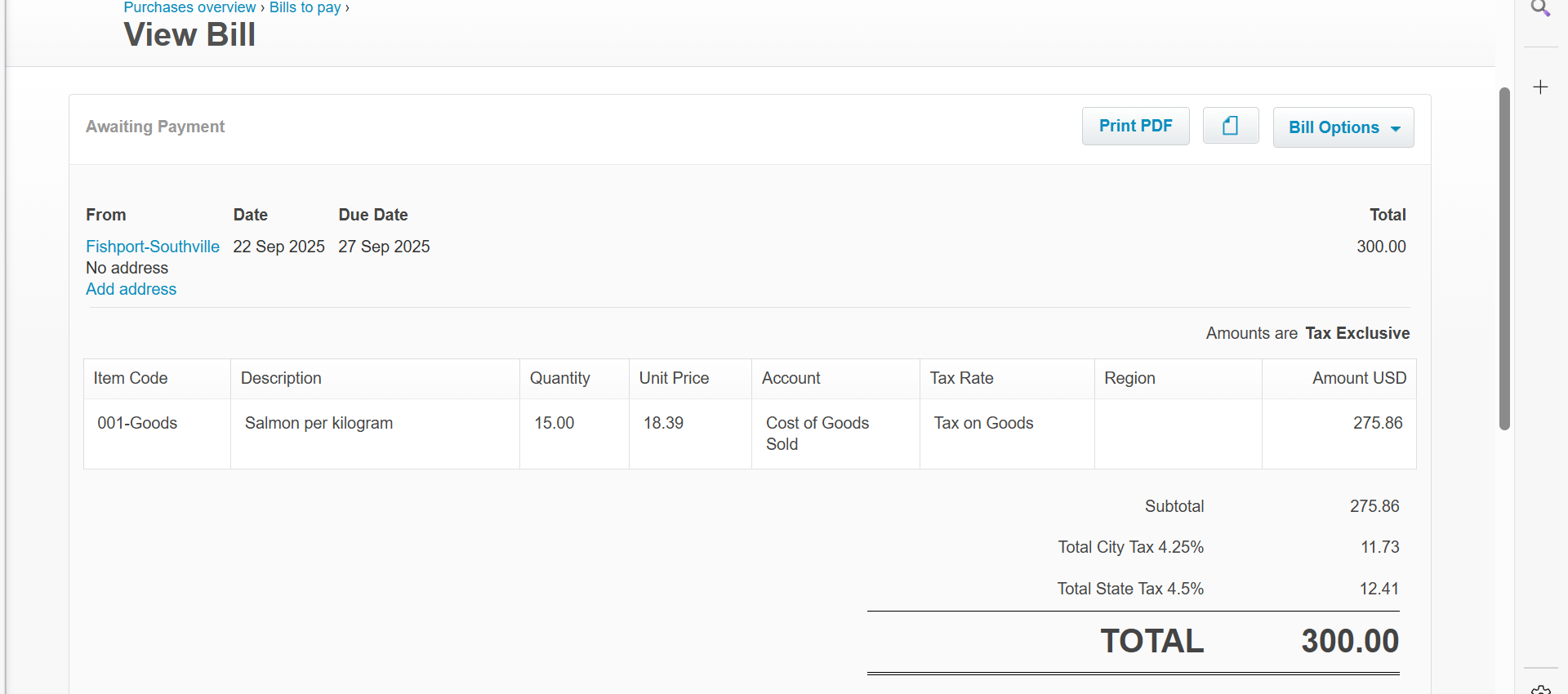
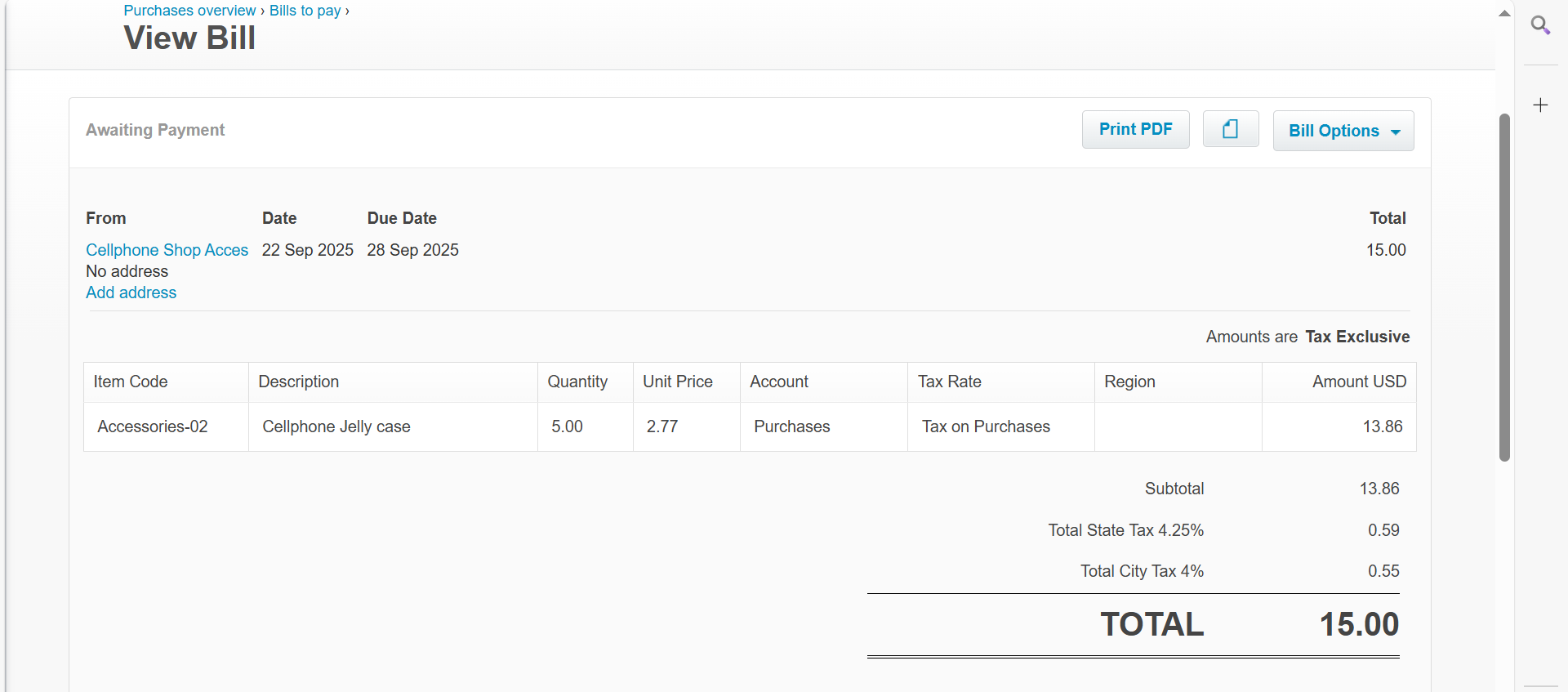
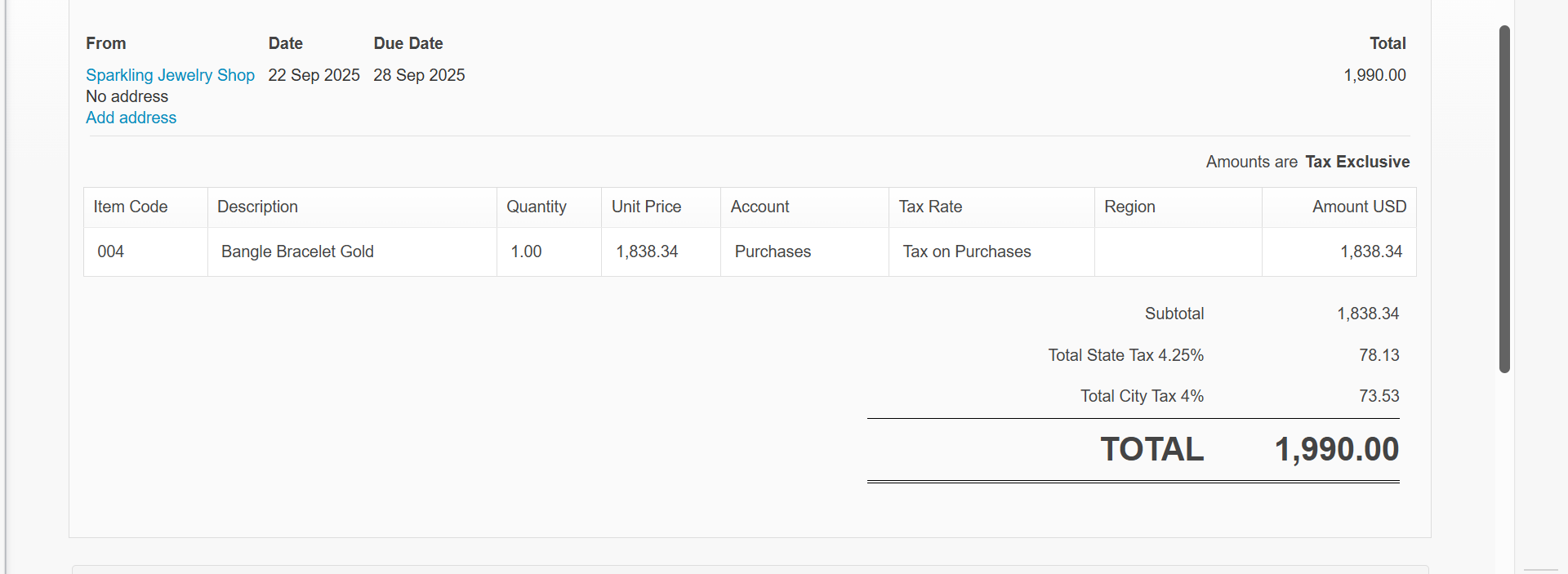
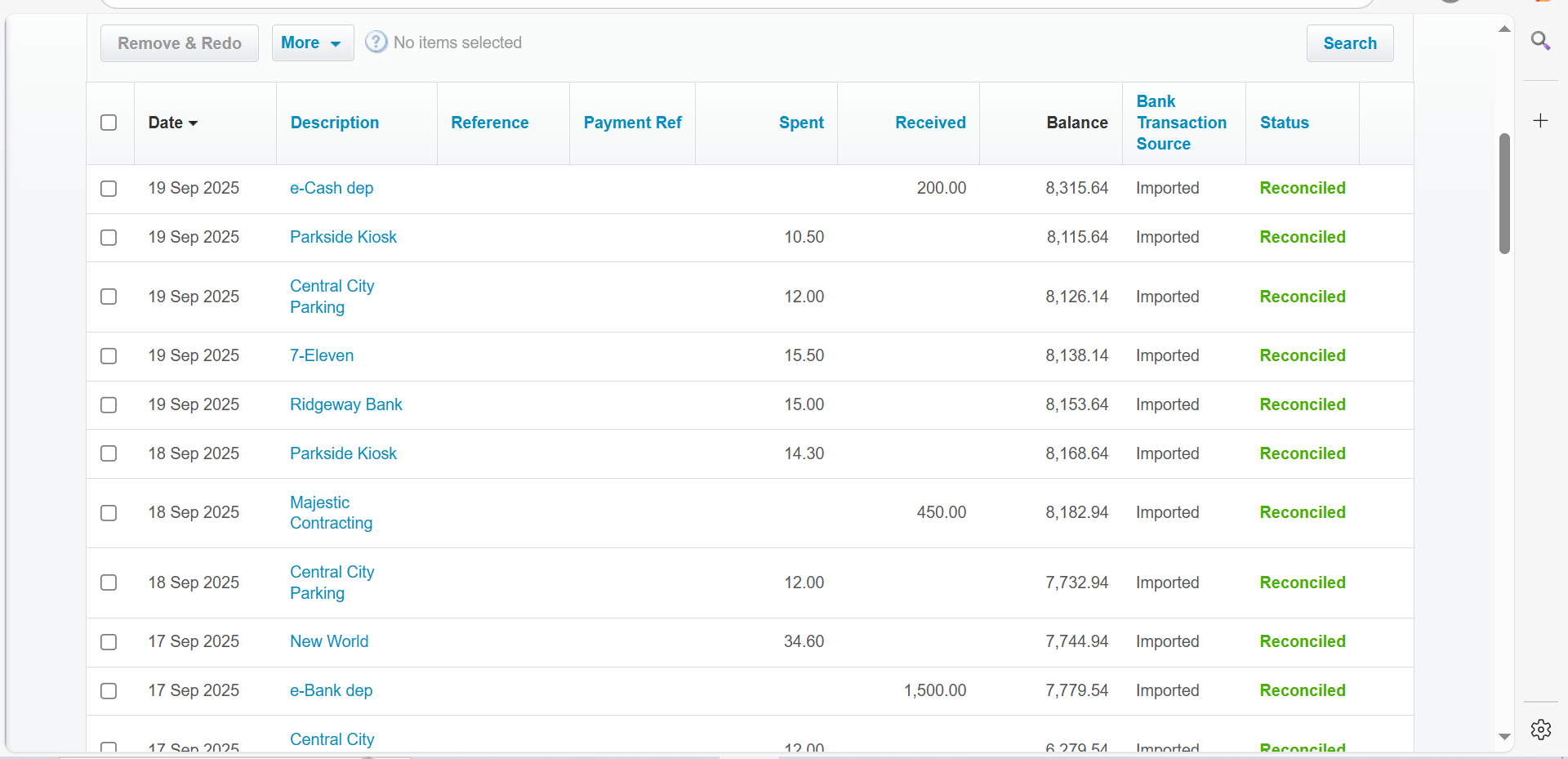
3. Xero Software: Bank Reconciliation
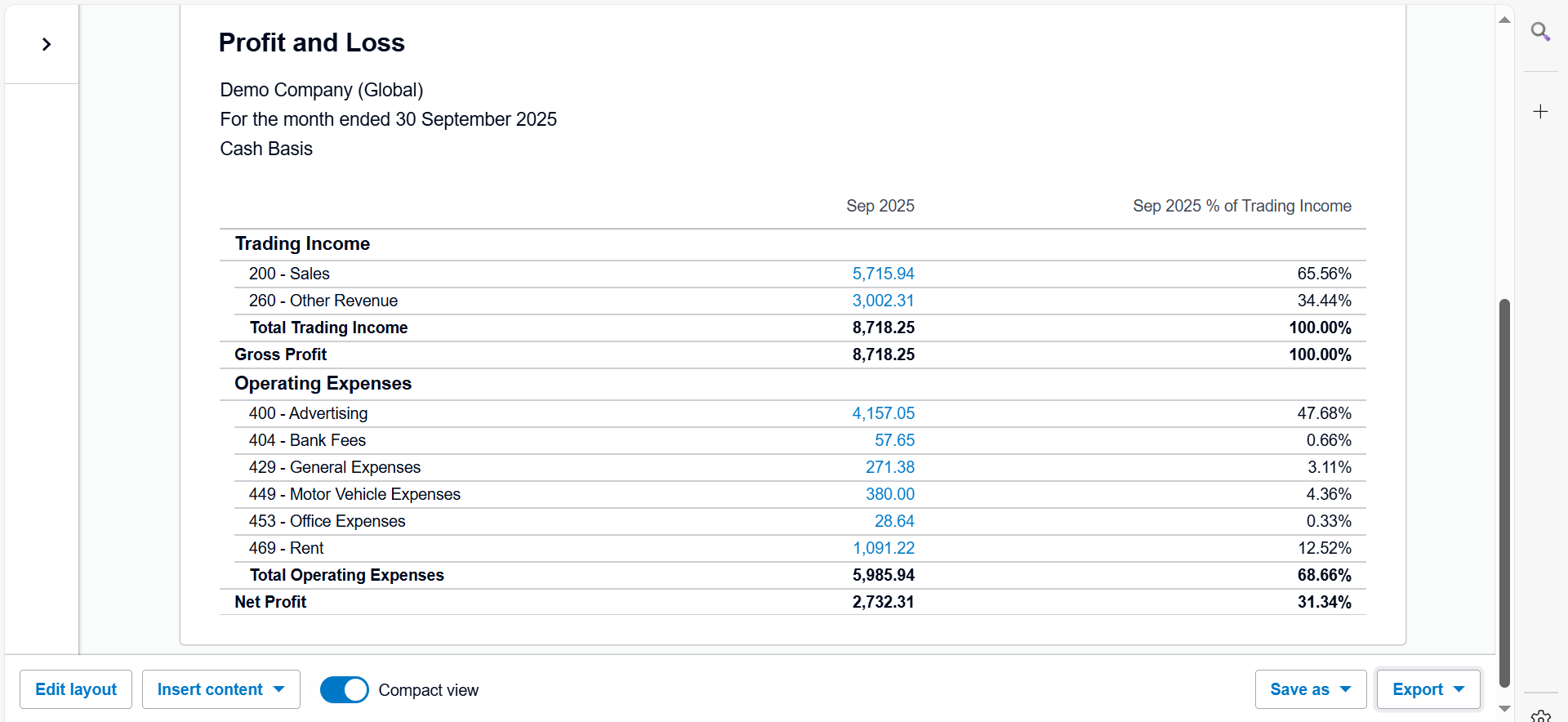
4. Profit and Loss Report
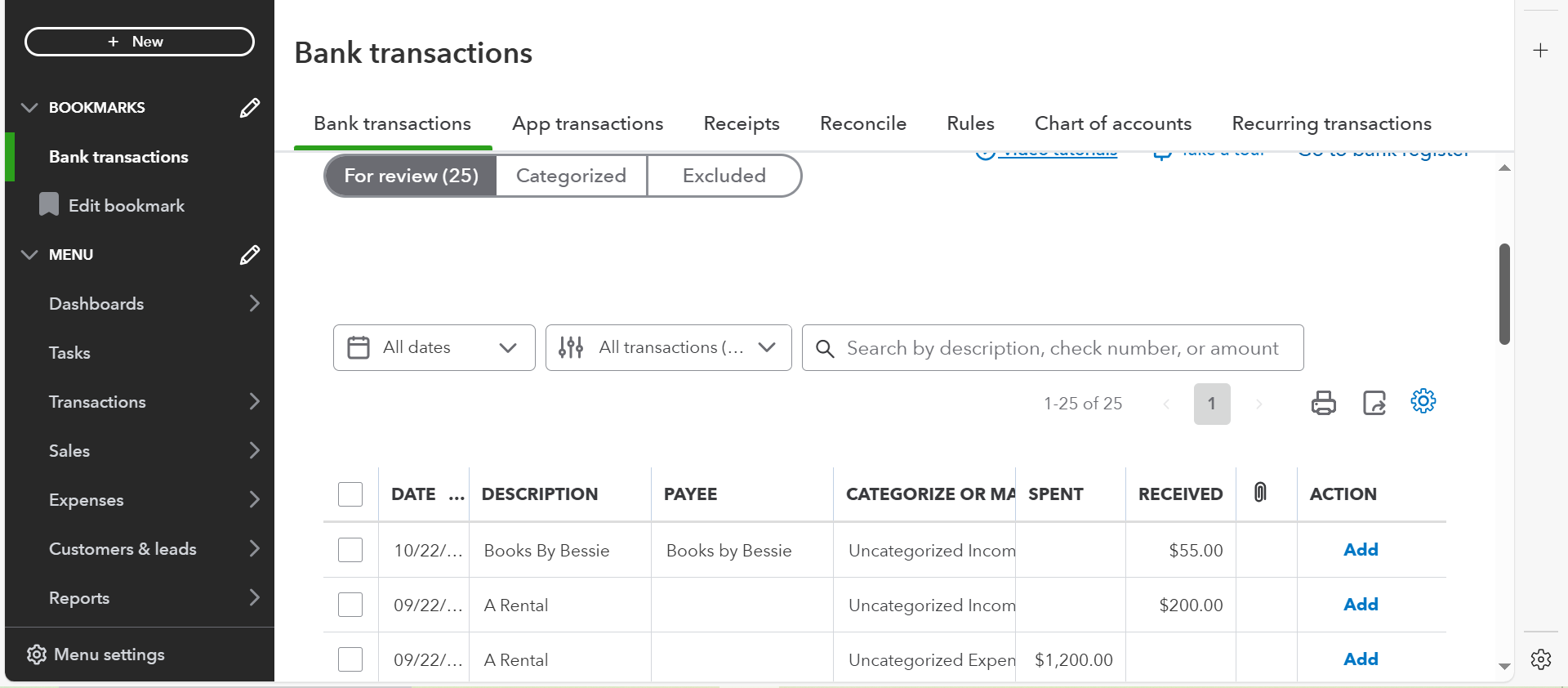
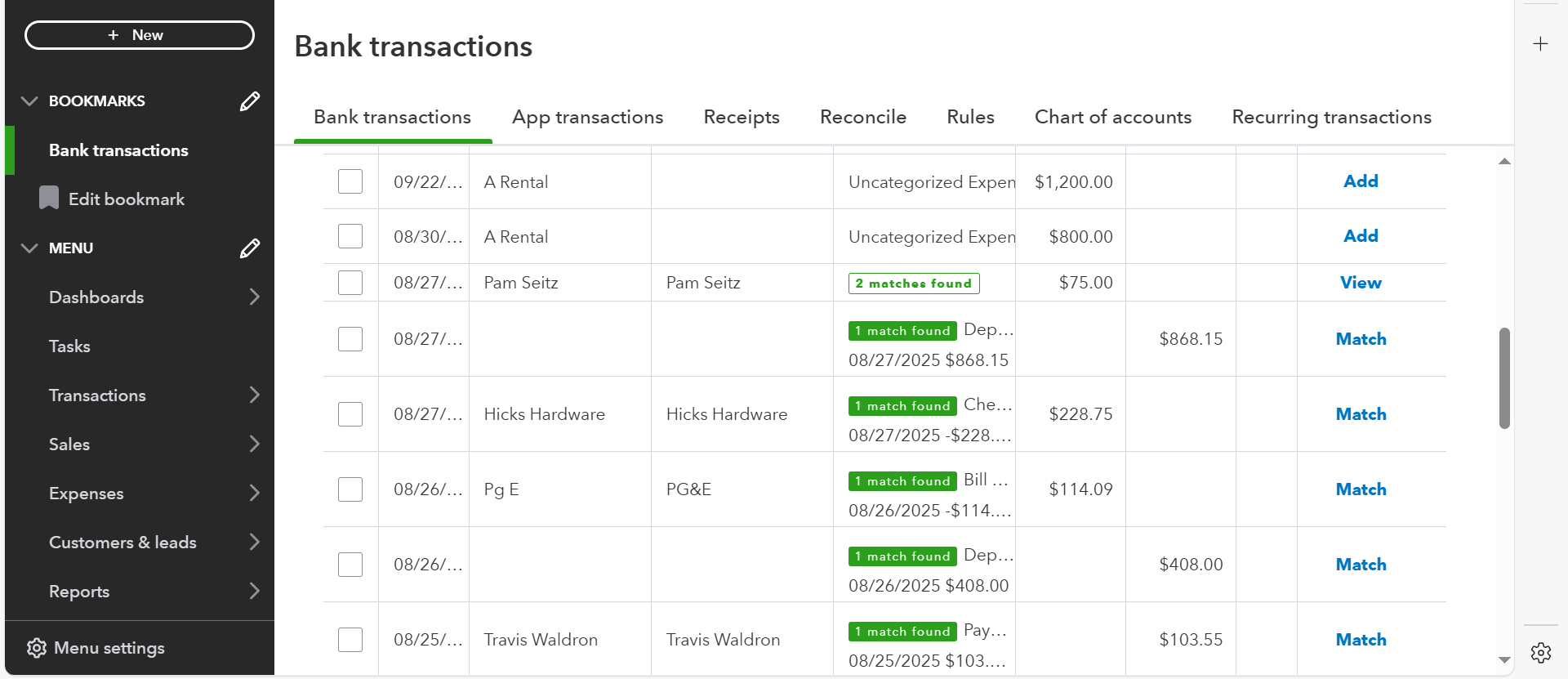
5. Quickbooks- Uncategorized Bank Transactions
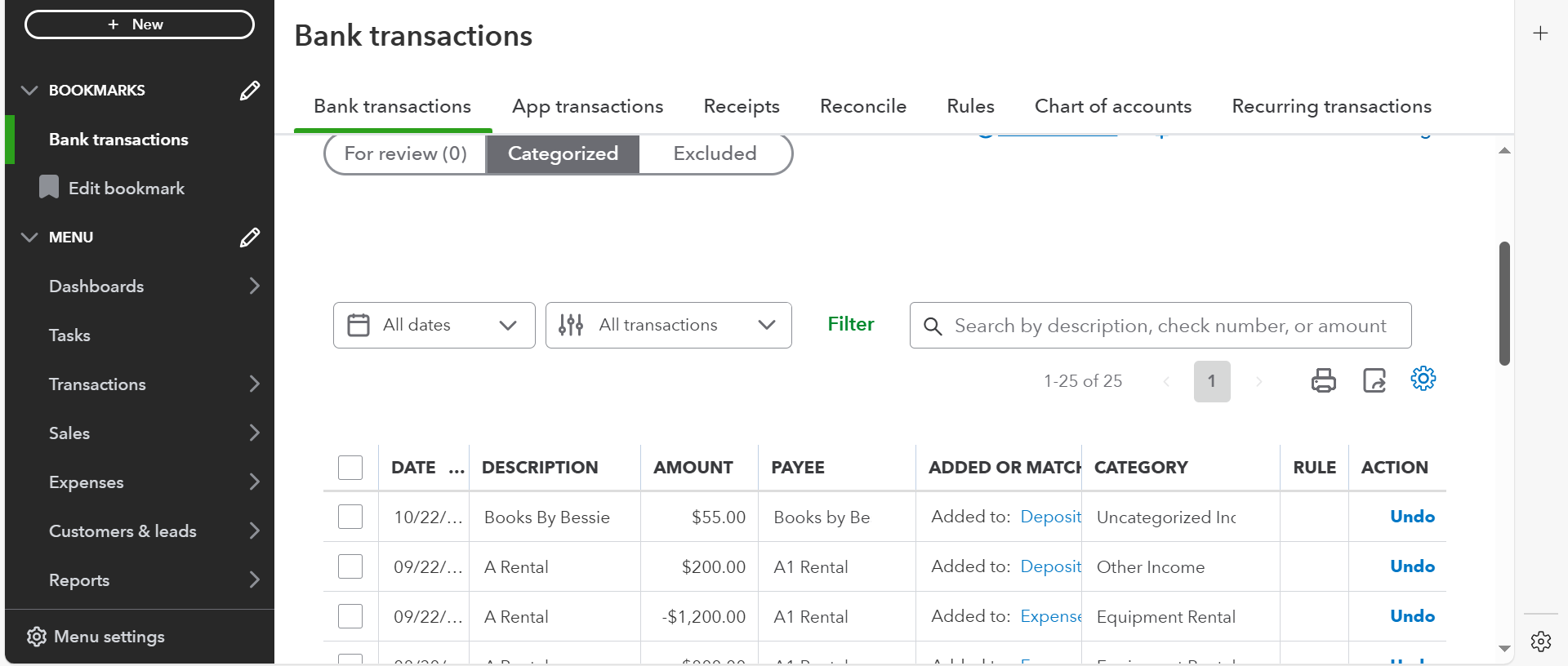
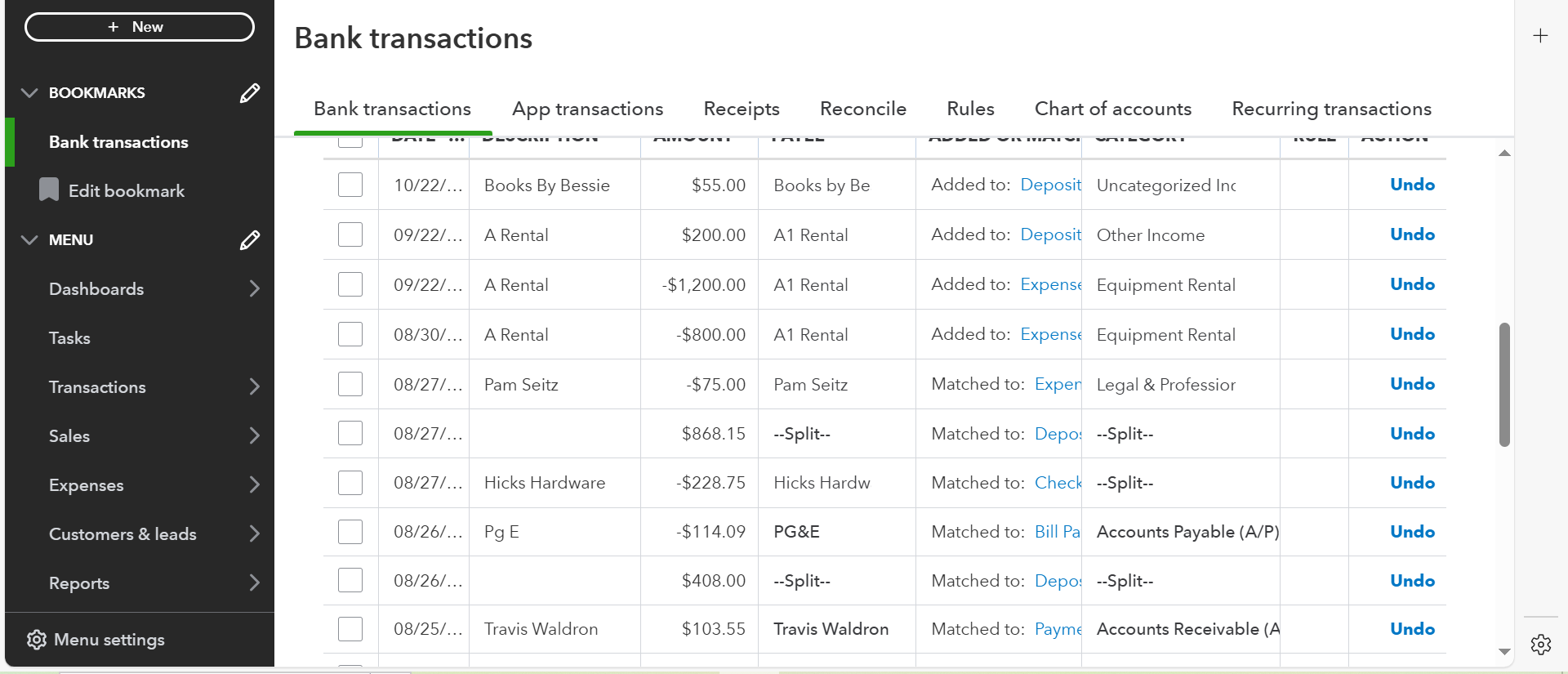
6. Quickbooks- Categorized Bank Transactions
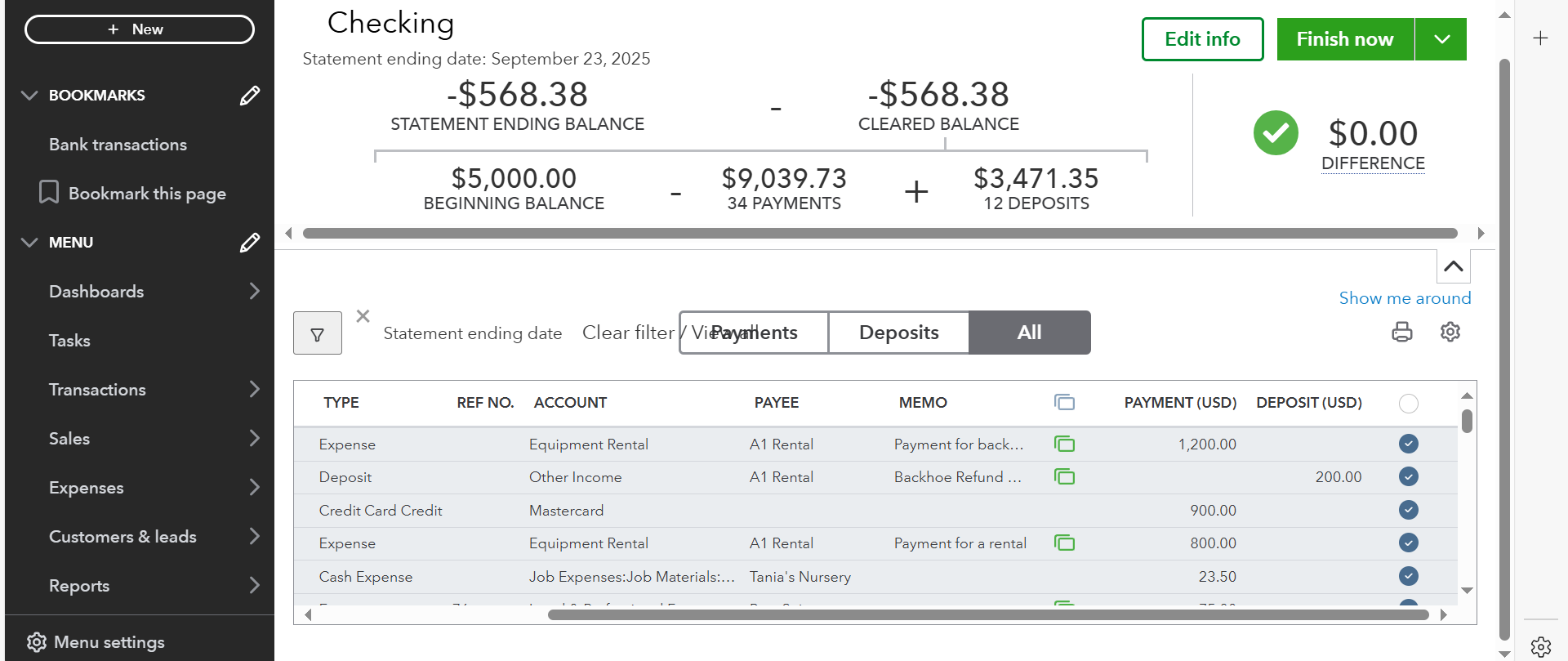
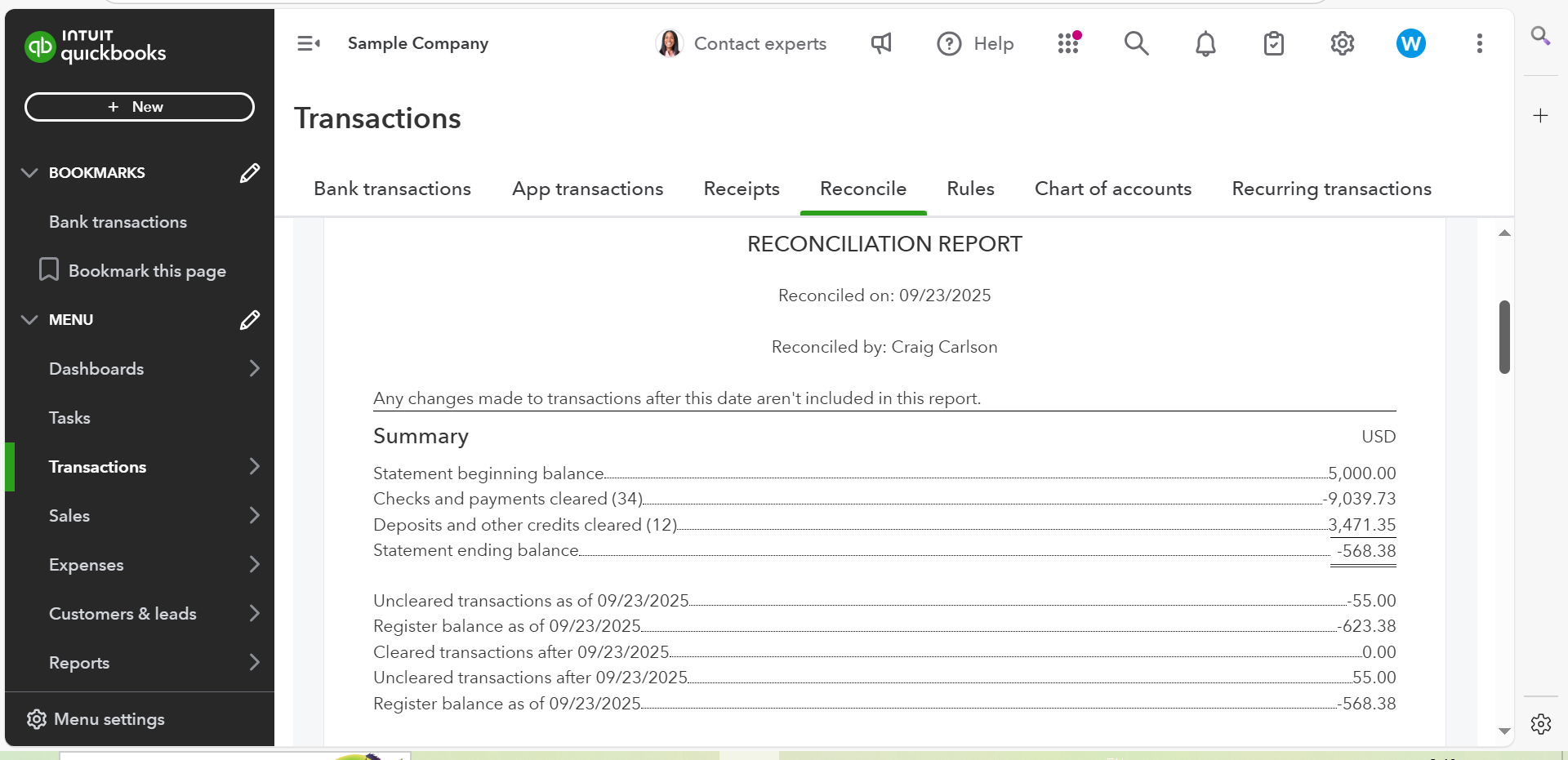
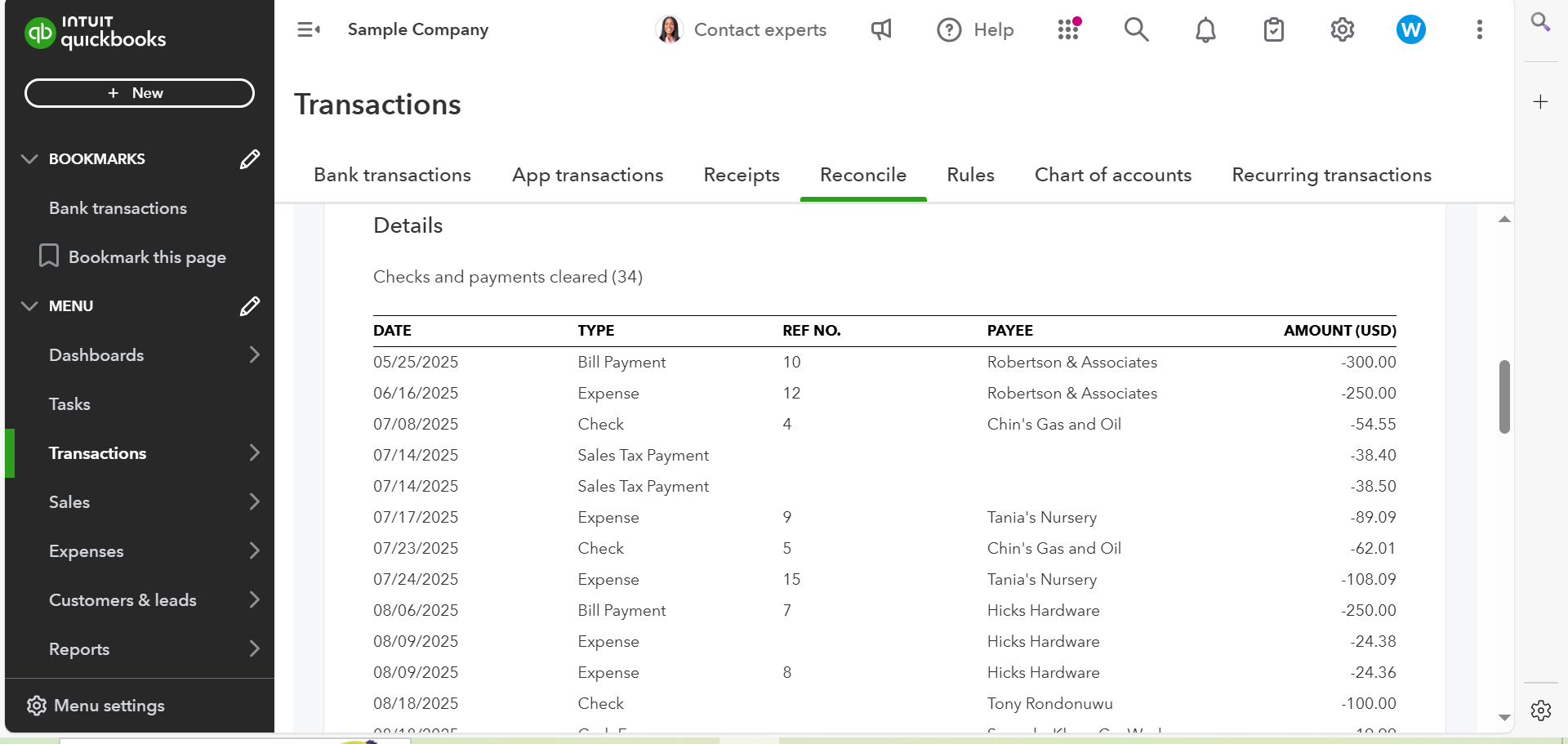
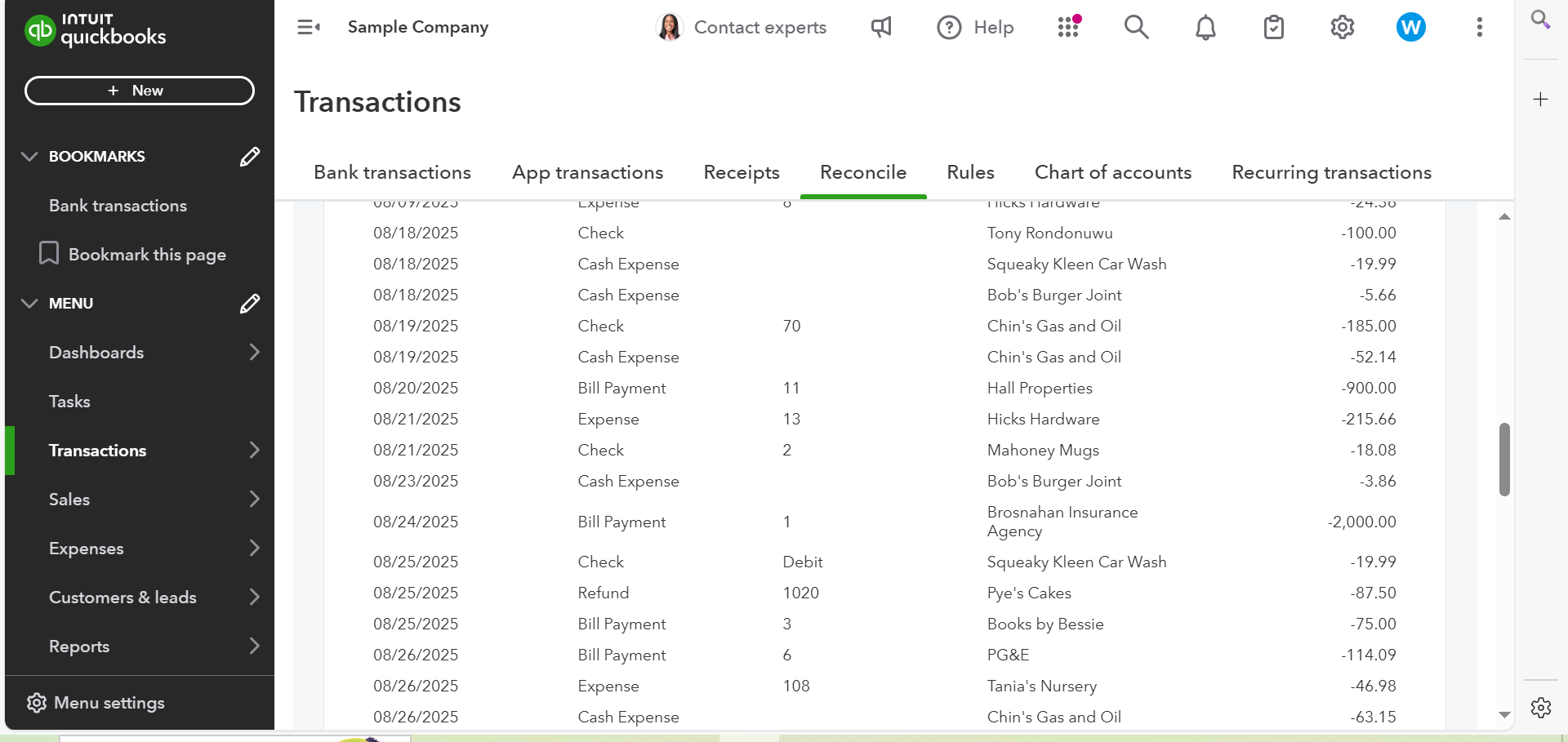
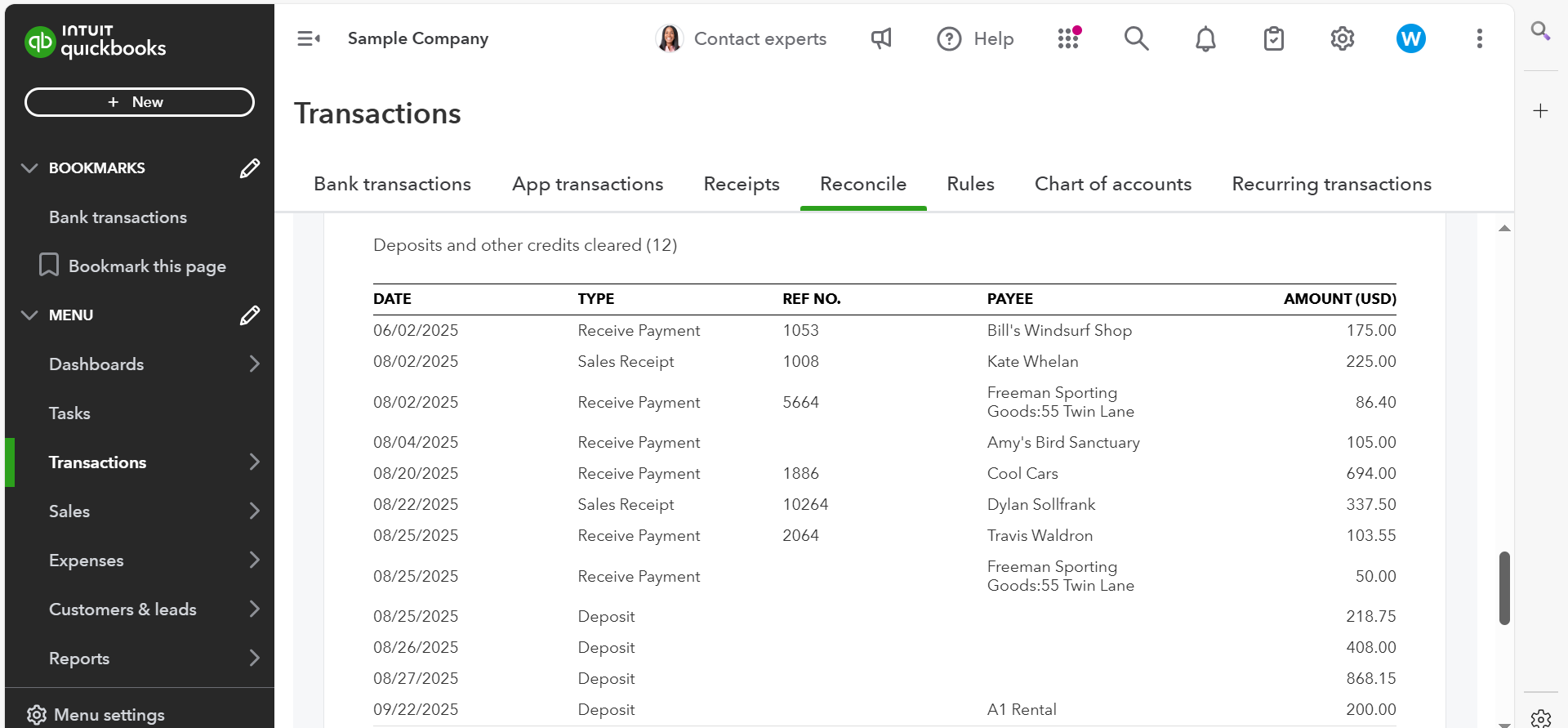
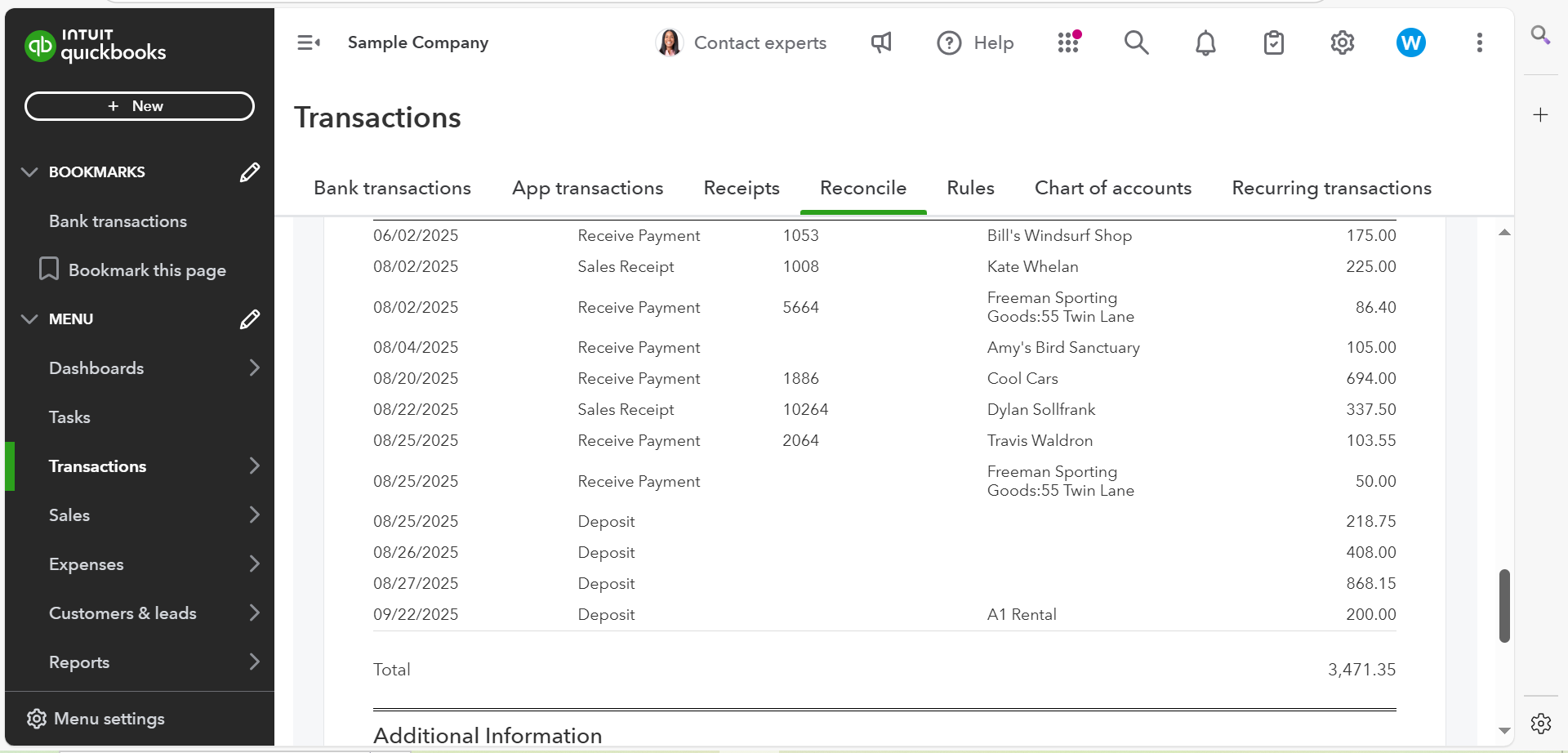
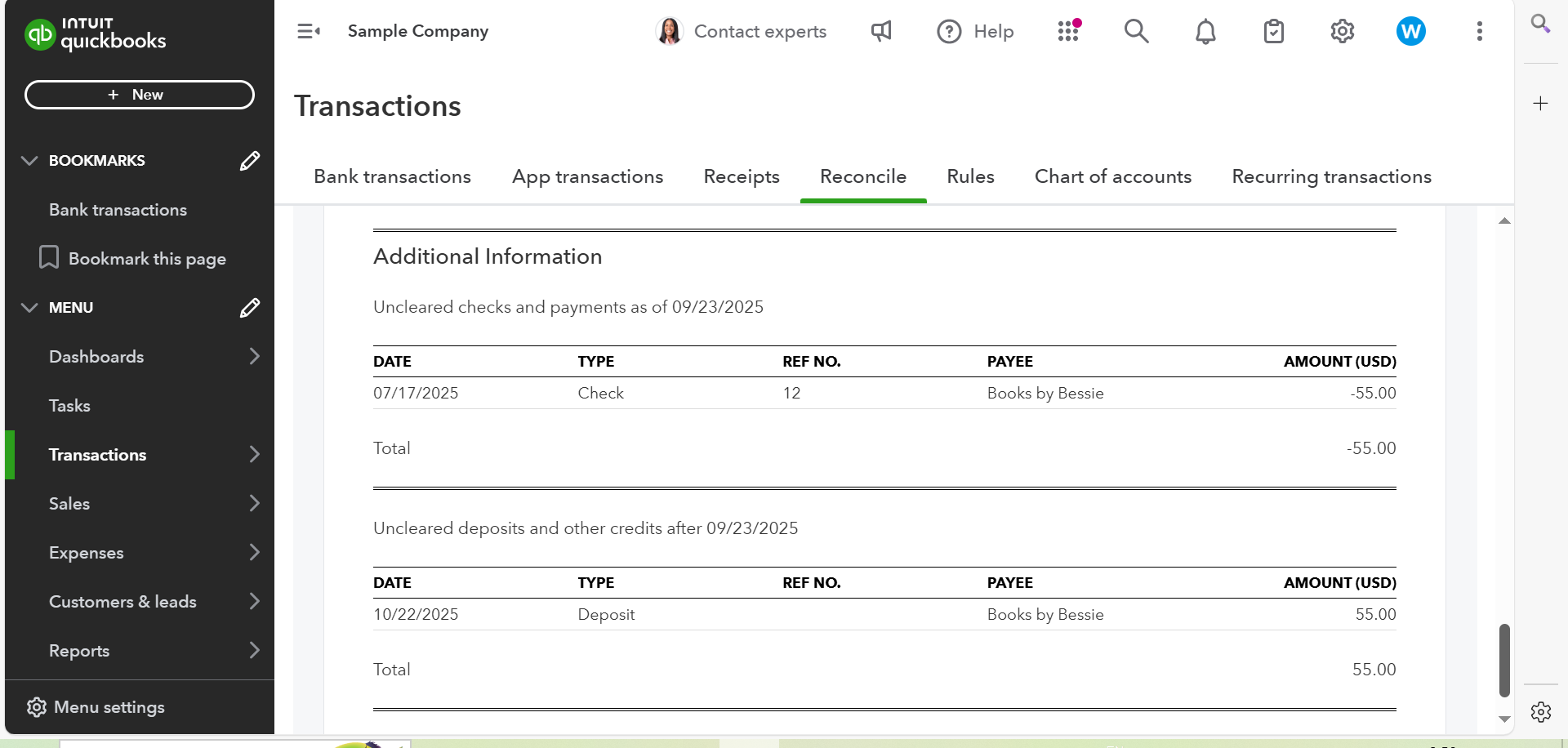
7. Quickbooks - Reconciliation Summary Report

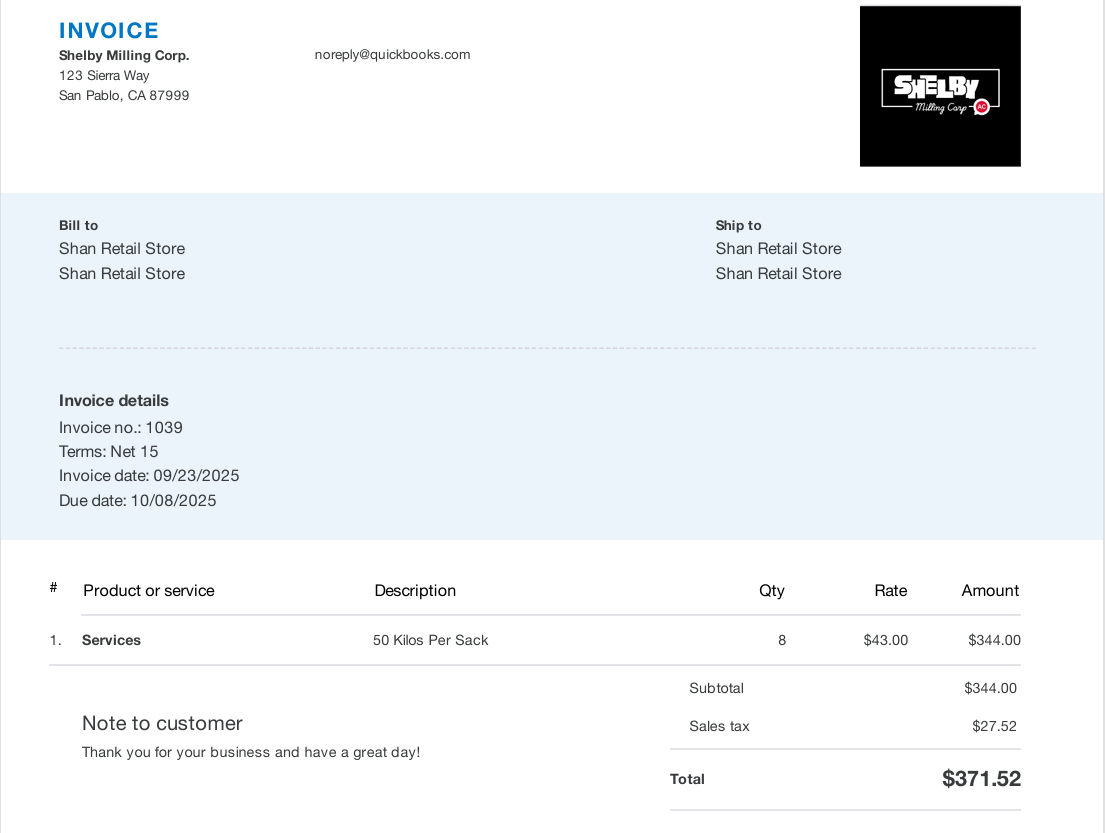
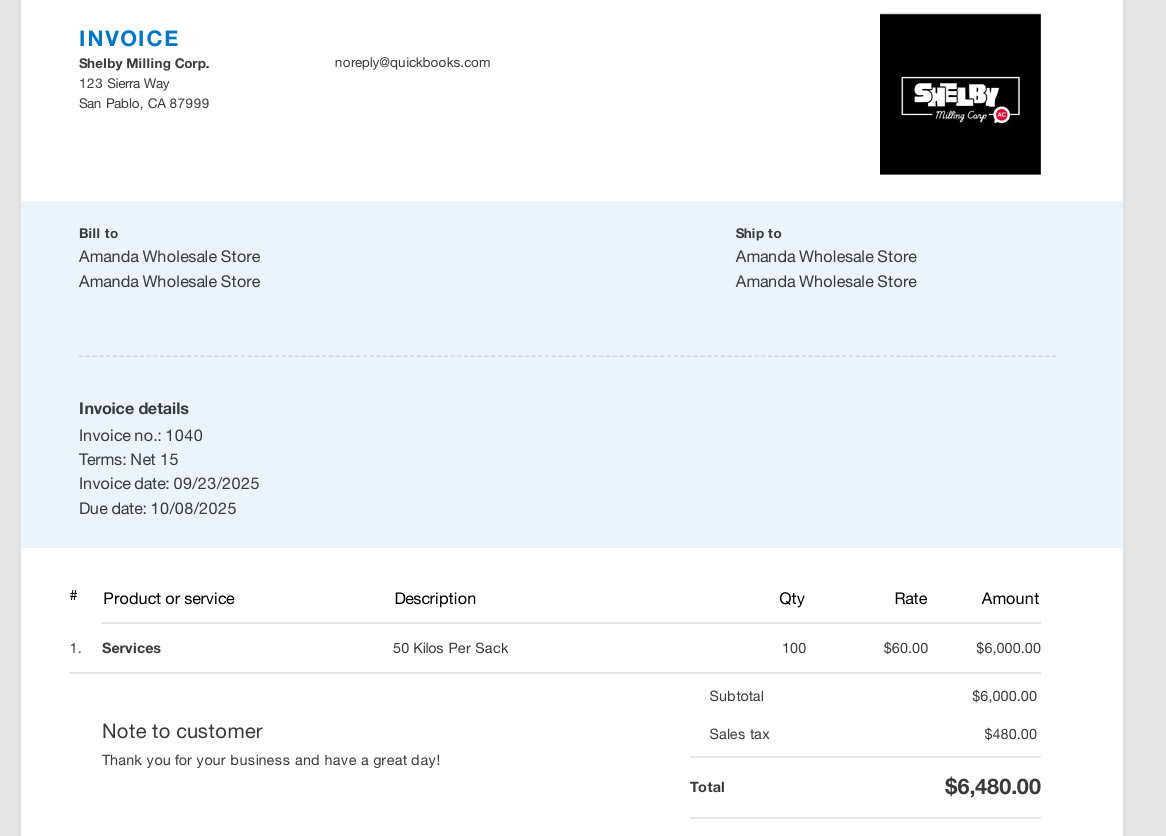
8. Quickbooks- Invoices

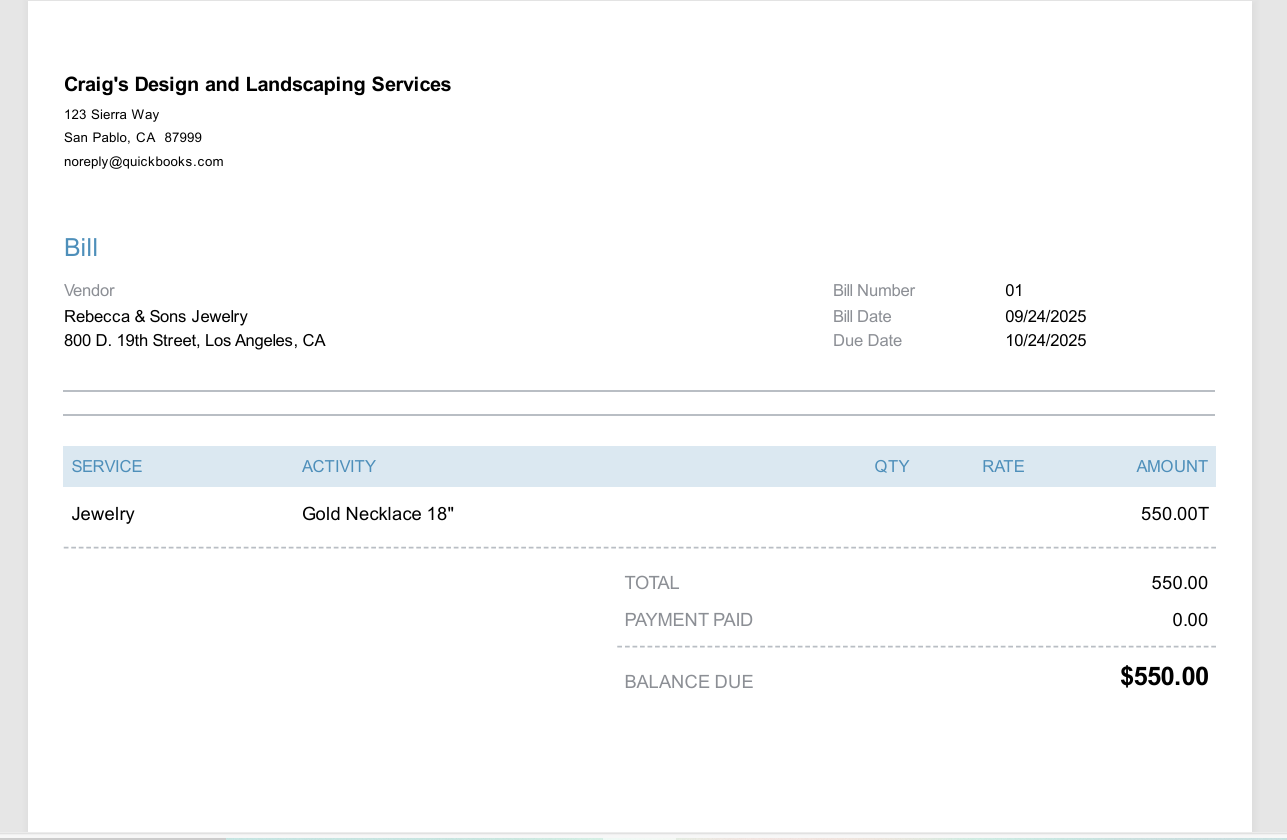
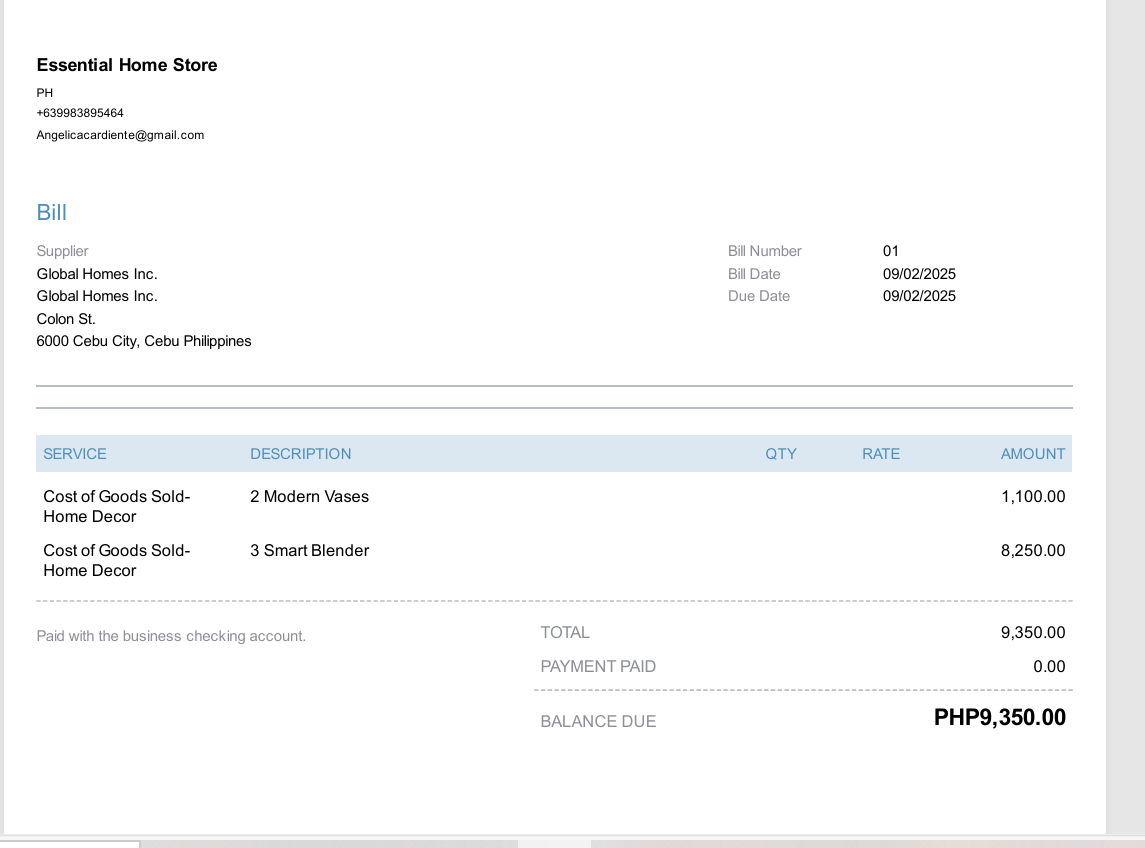
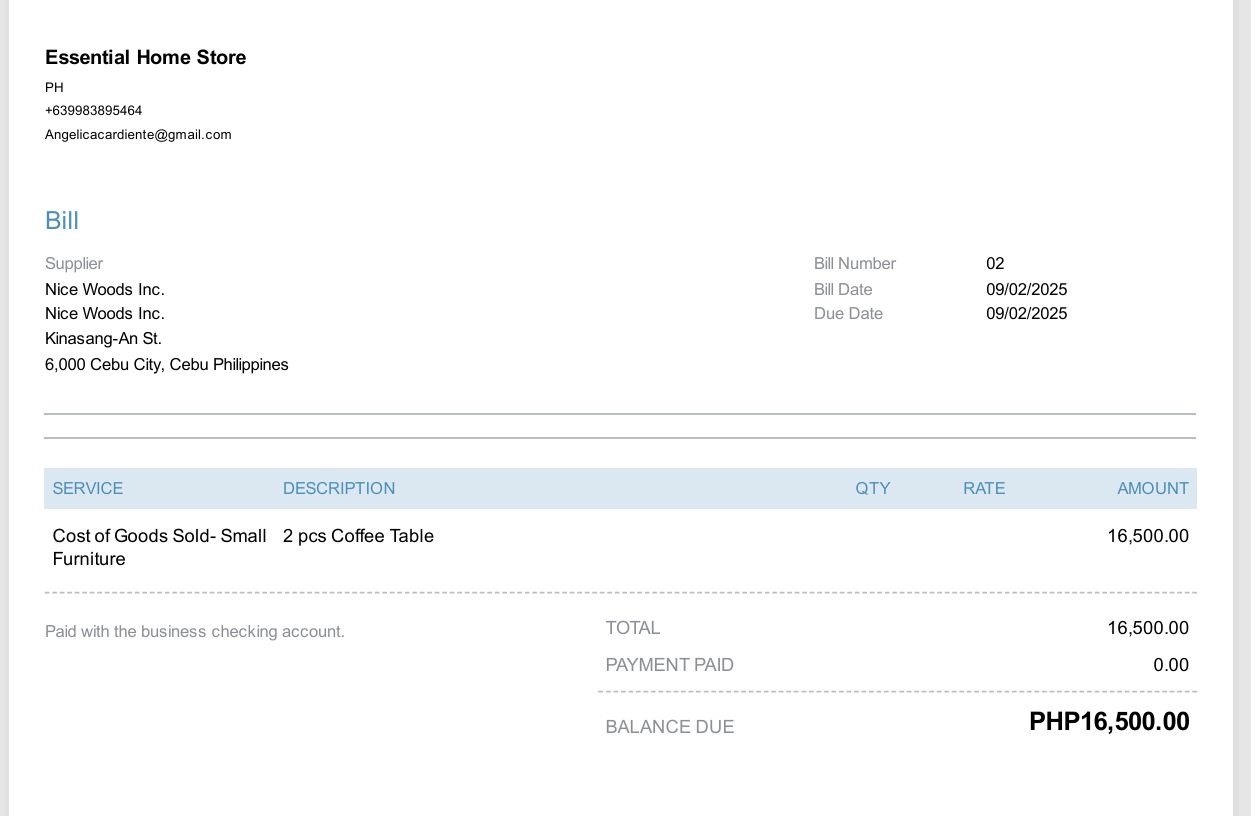
9. Quickbooks- Bills
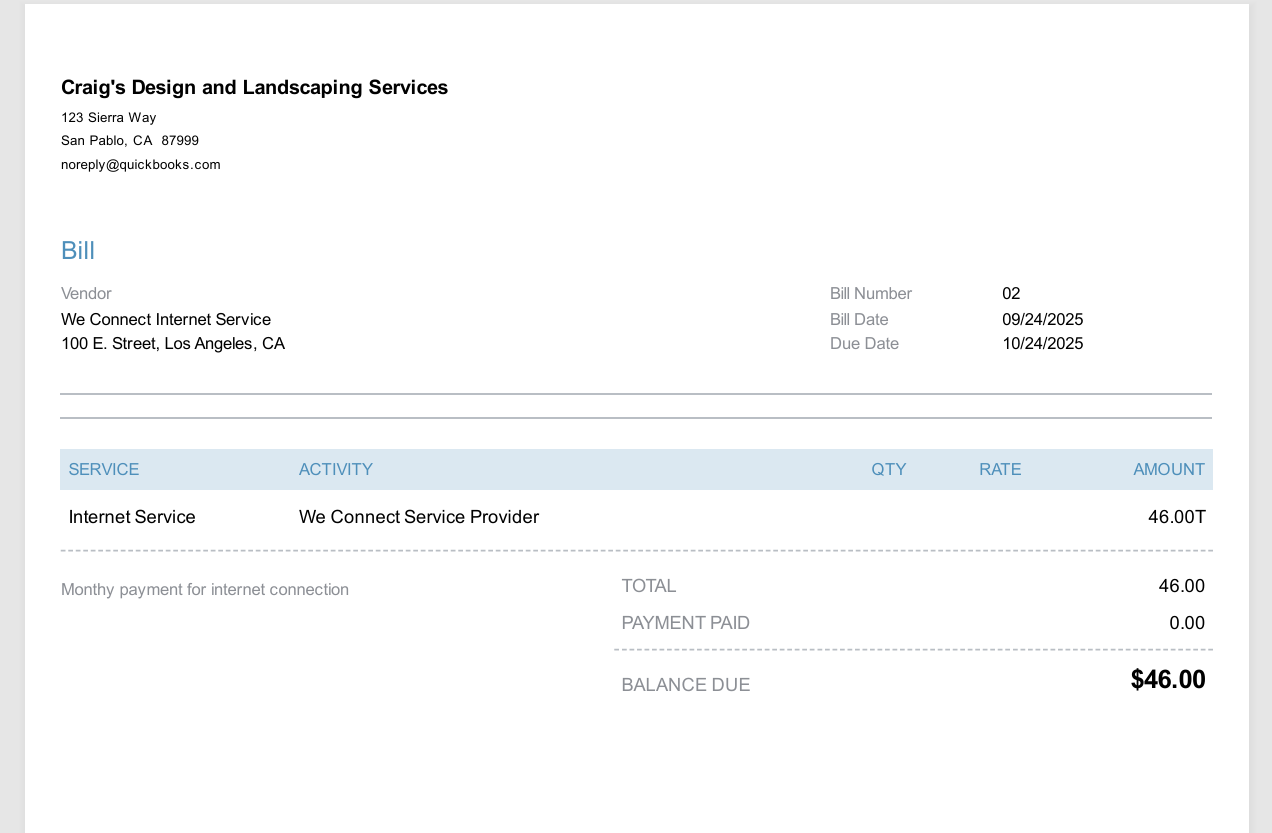
10. Quickbook - Profit and Loss Report, Balance Sheet, Expenses by Vendor Summary
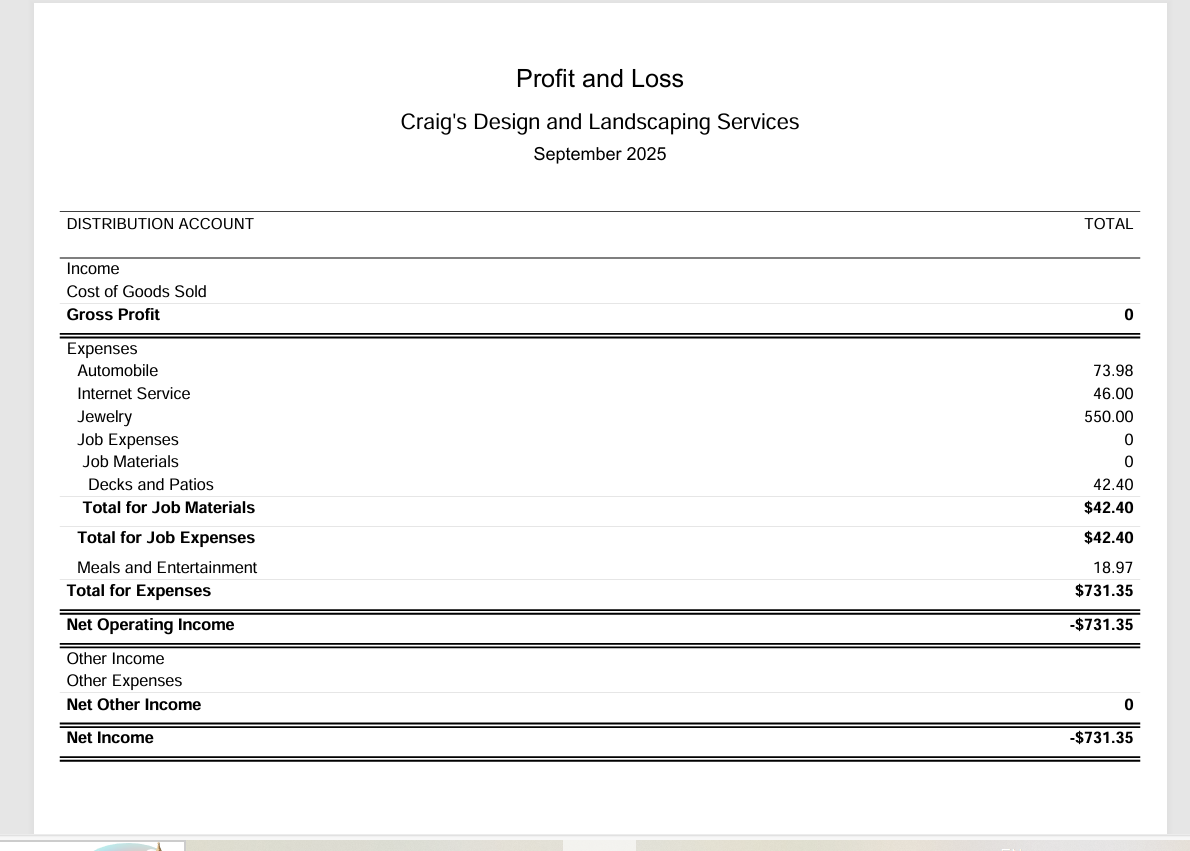
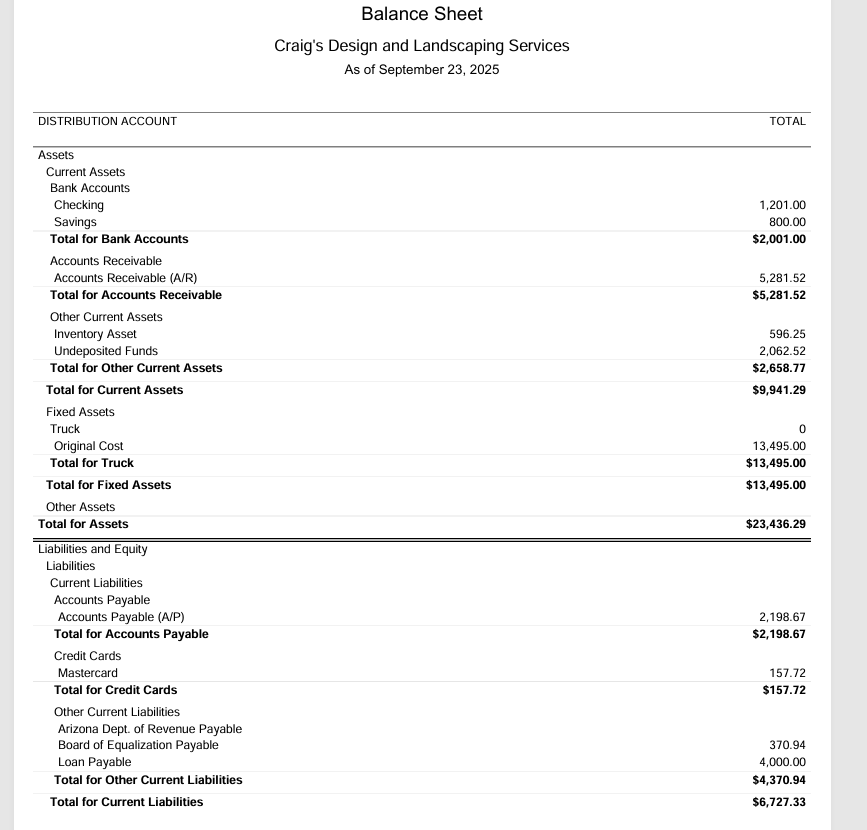
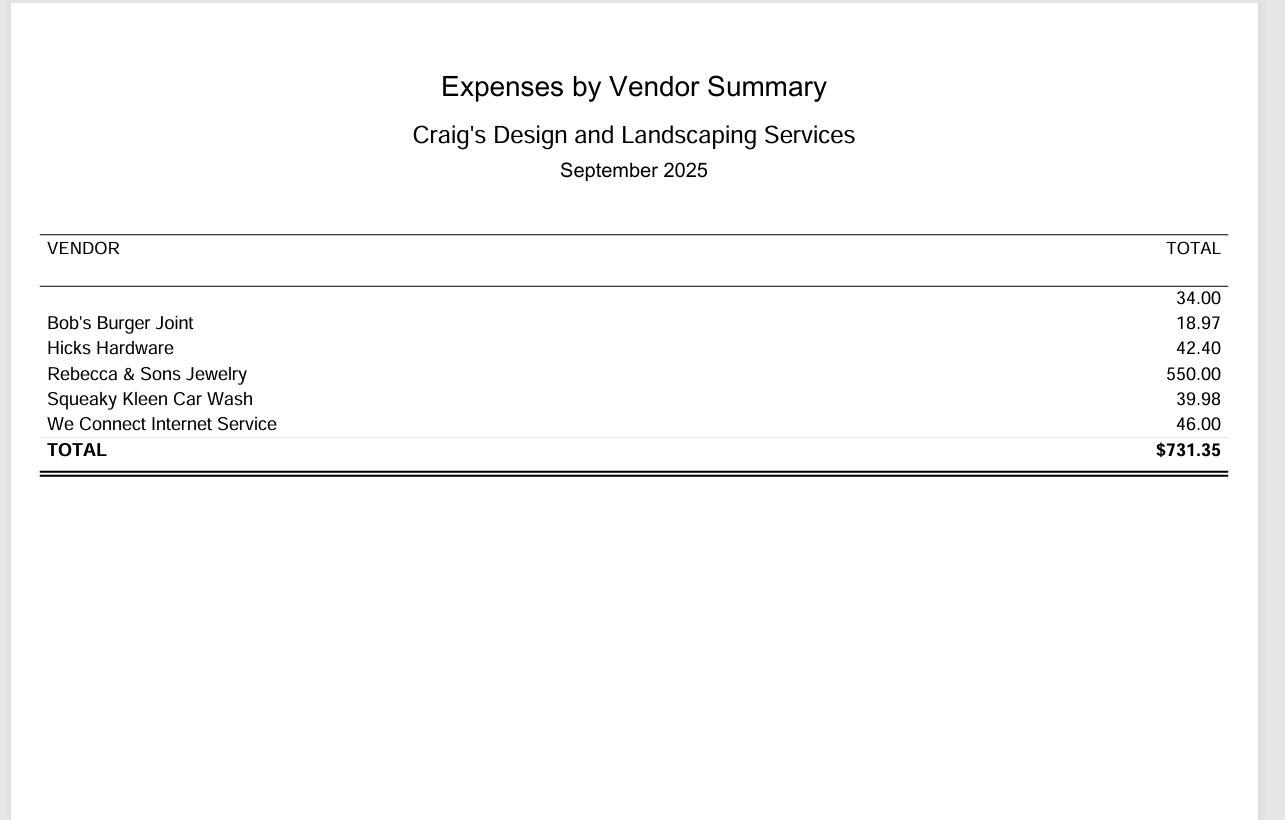
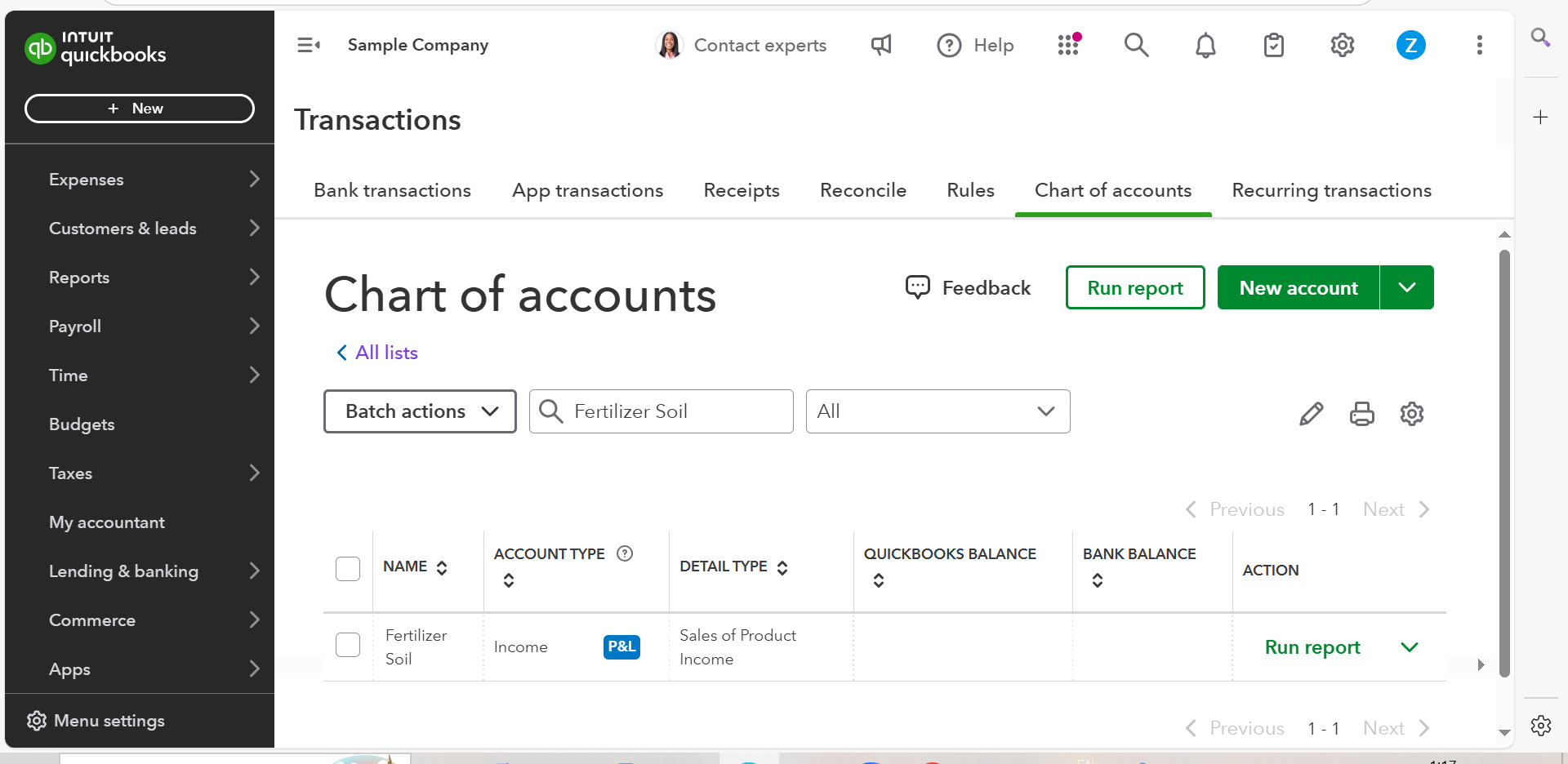
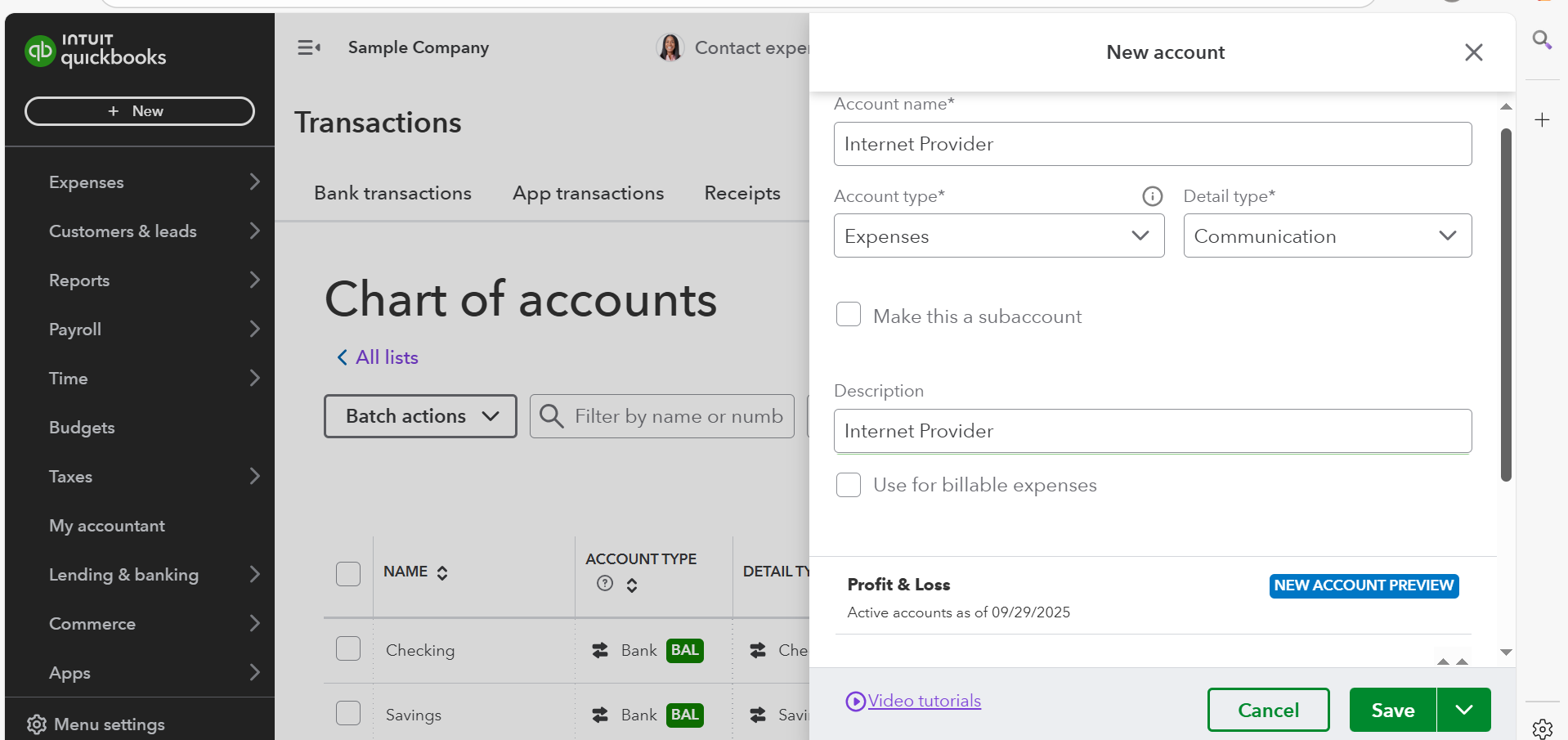
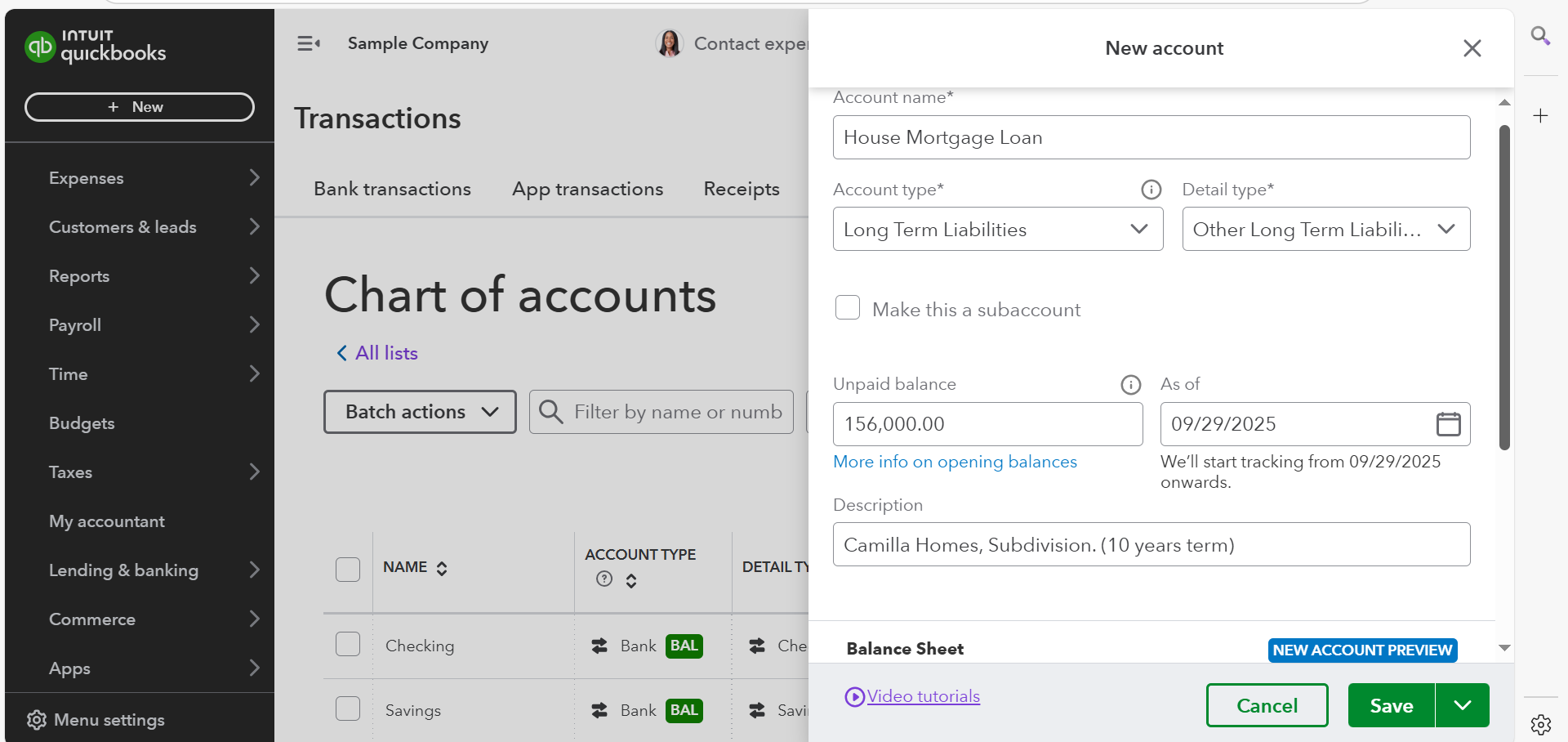
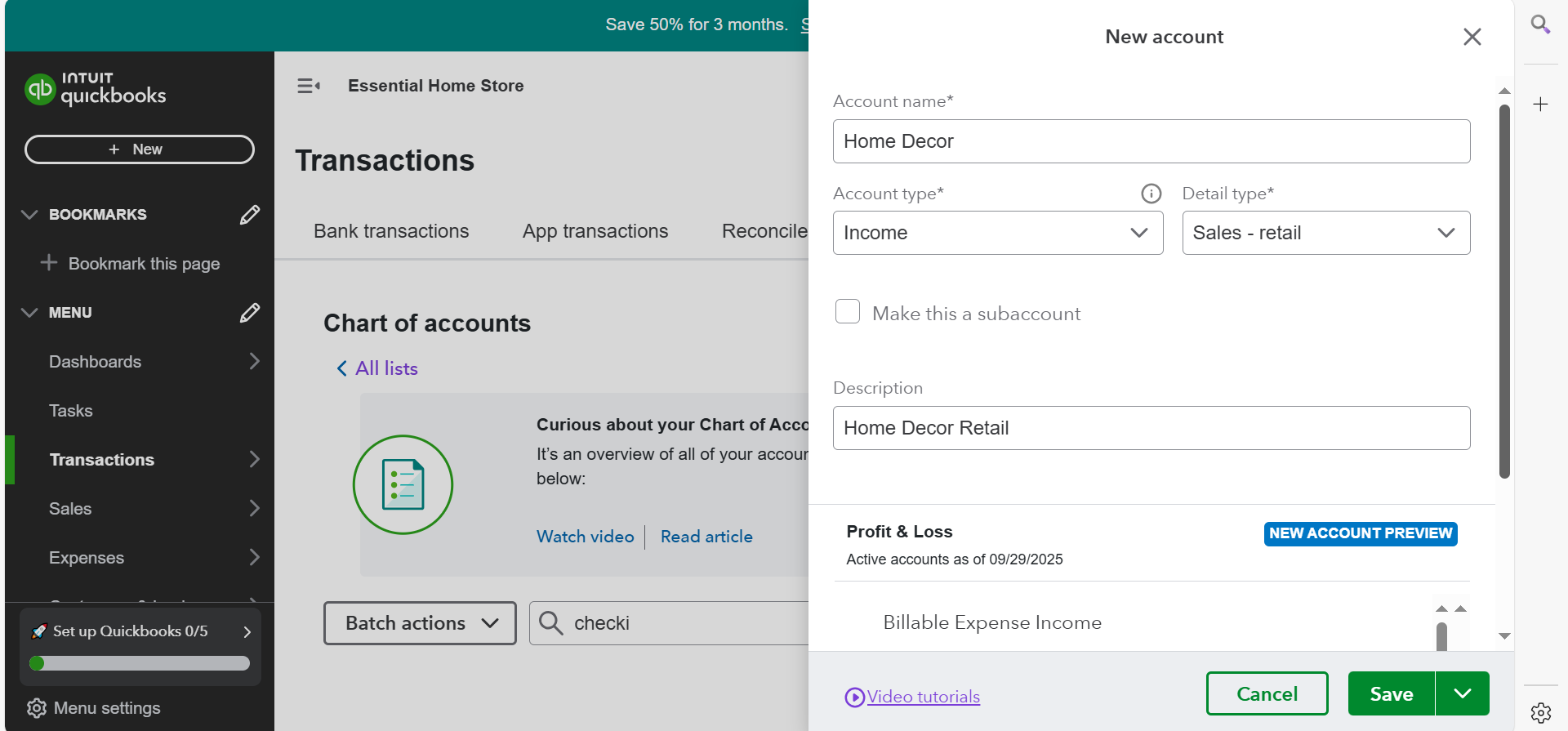
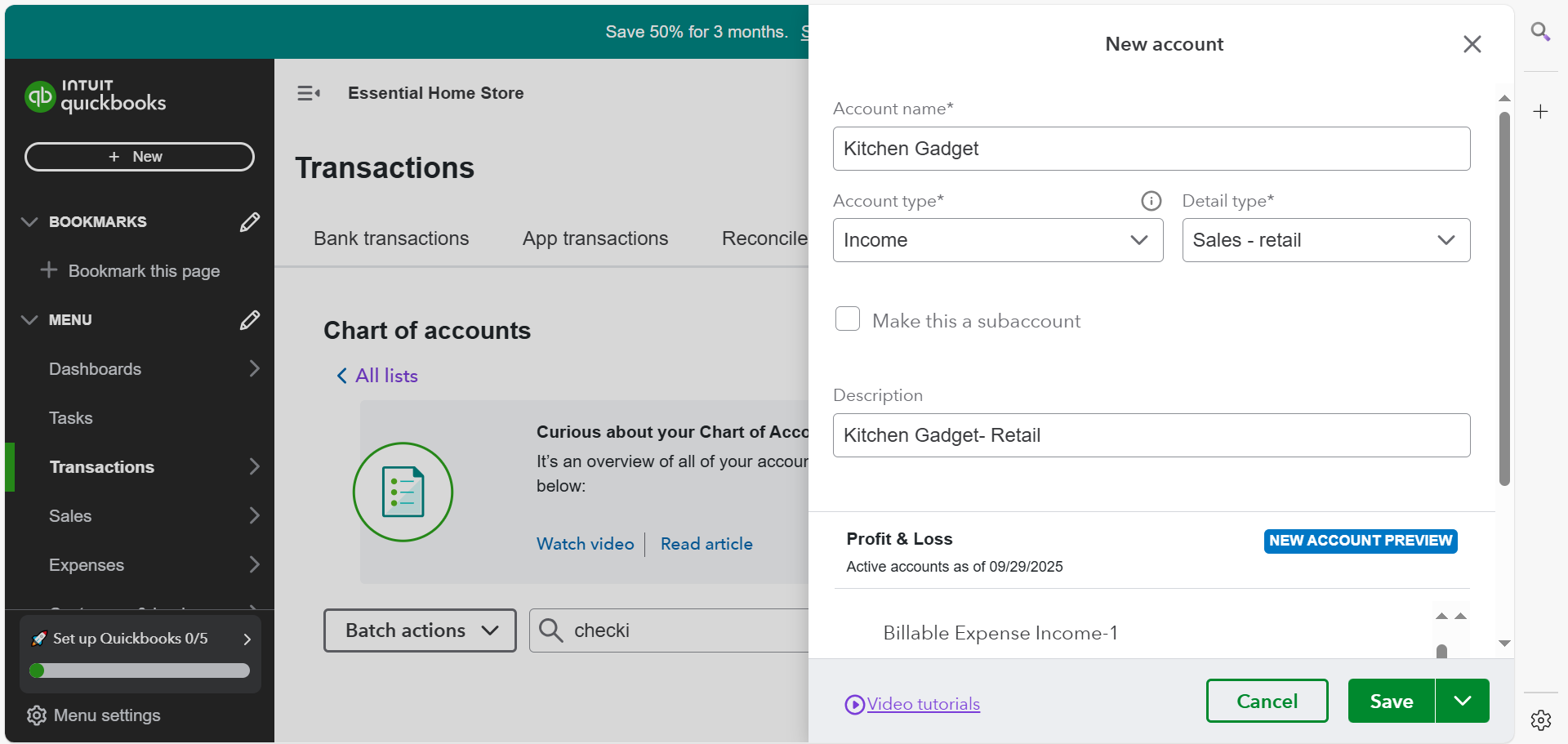
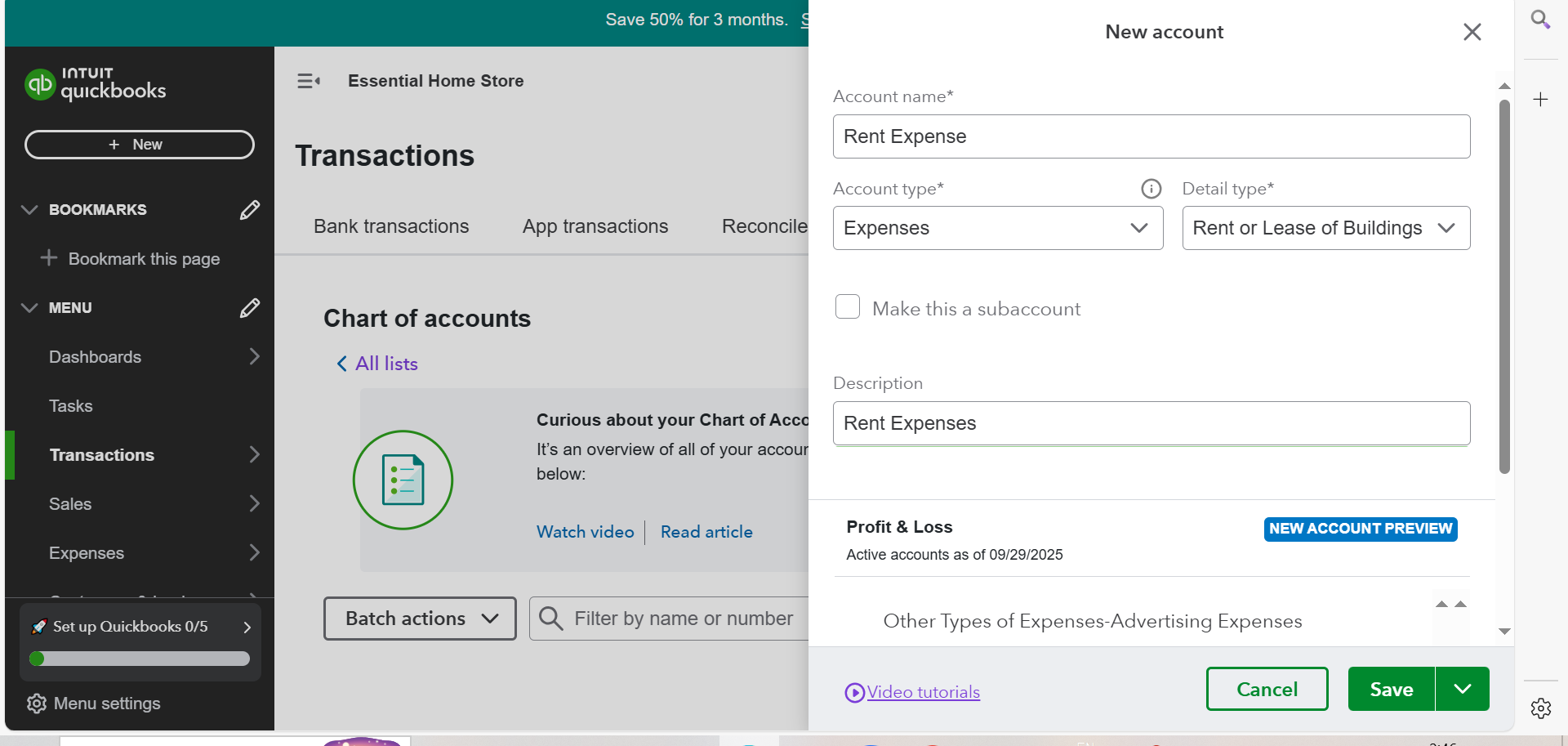
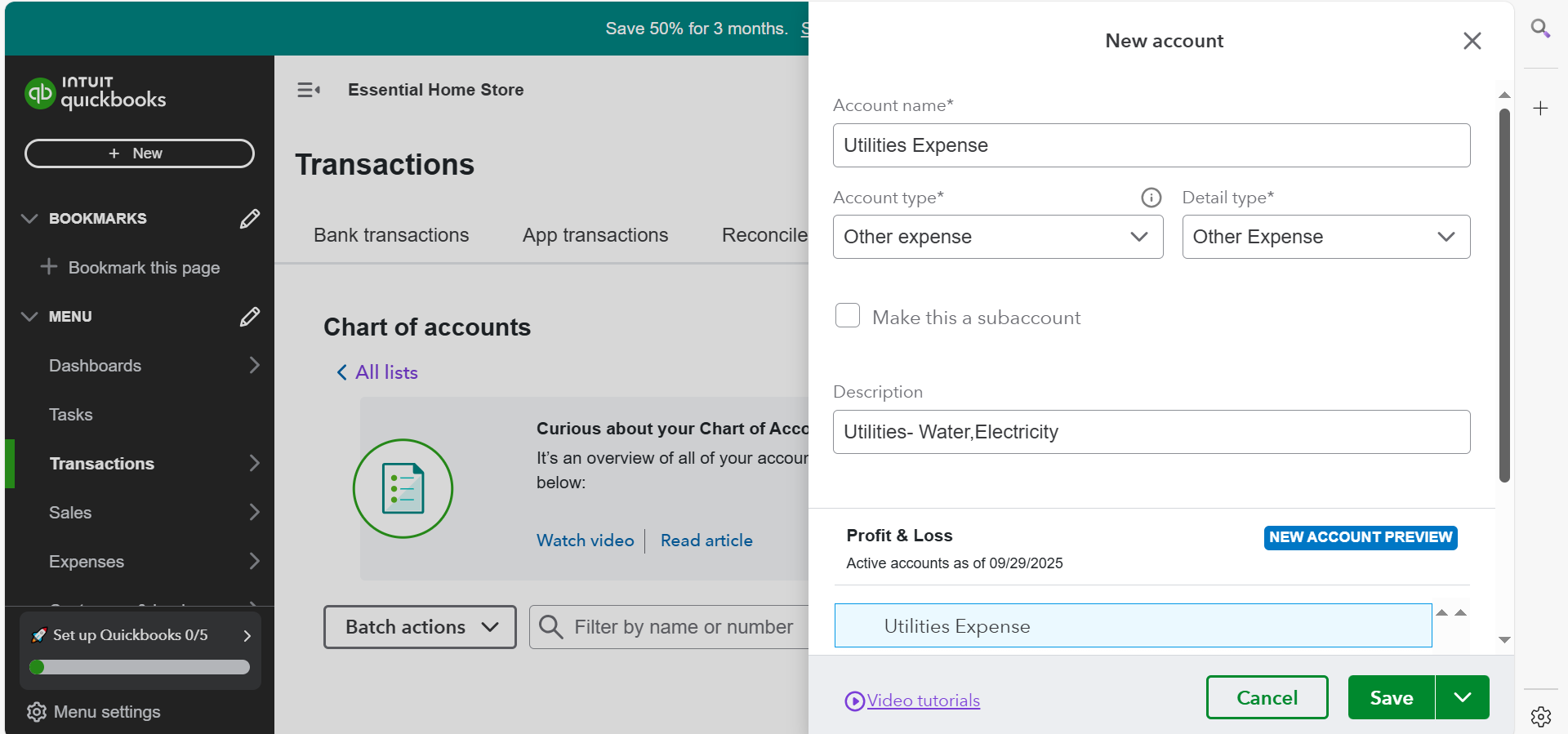
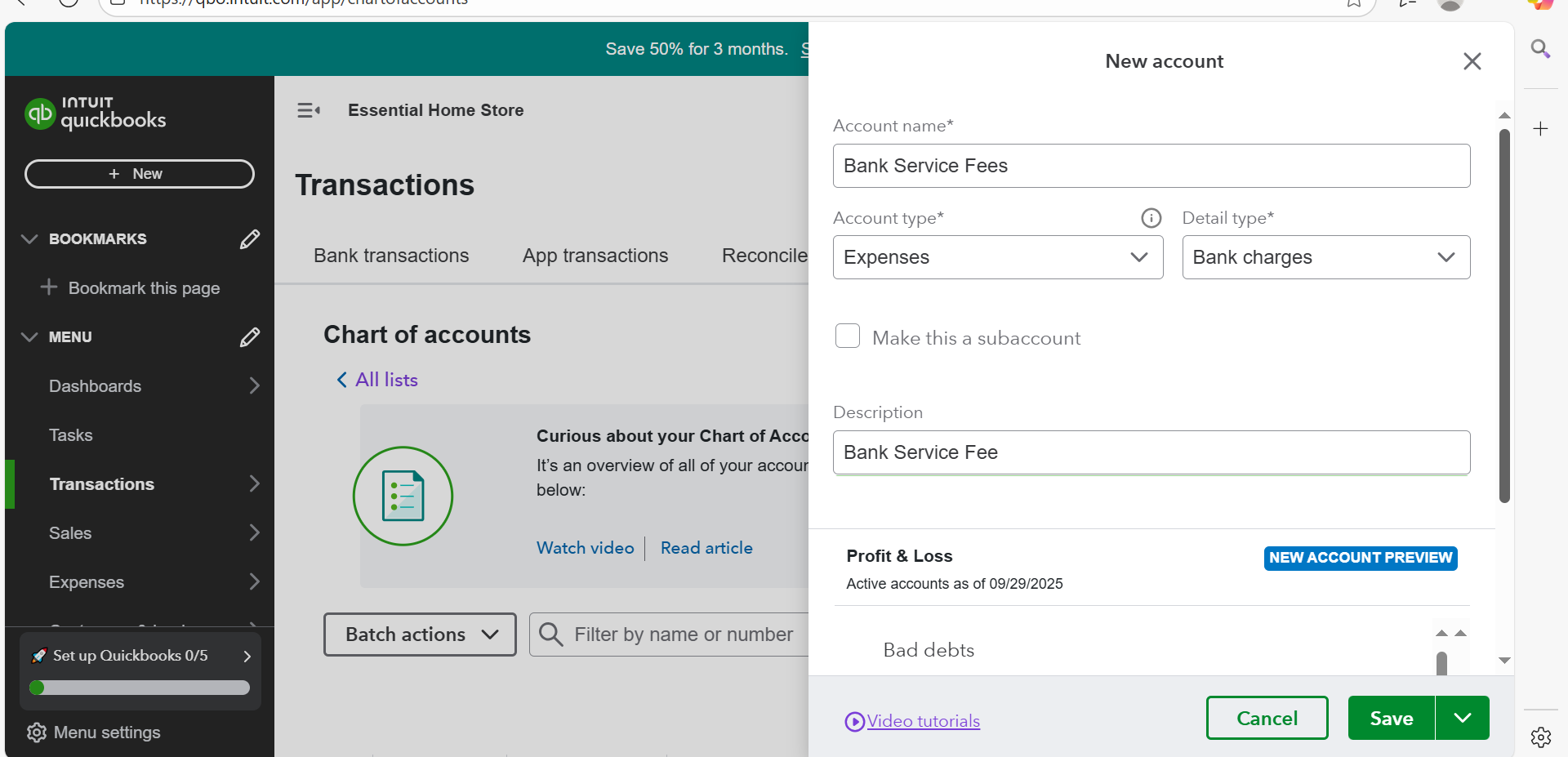
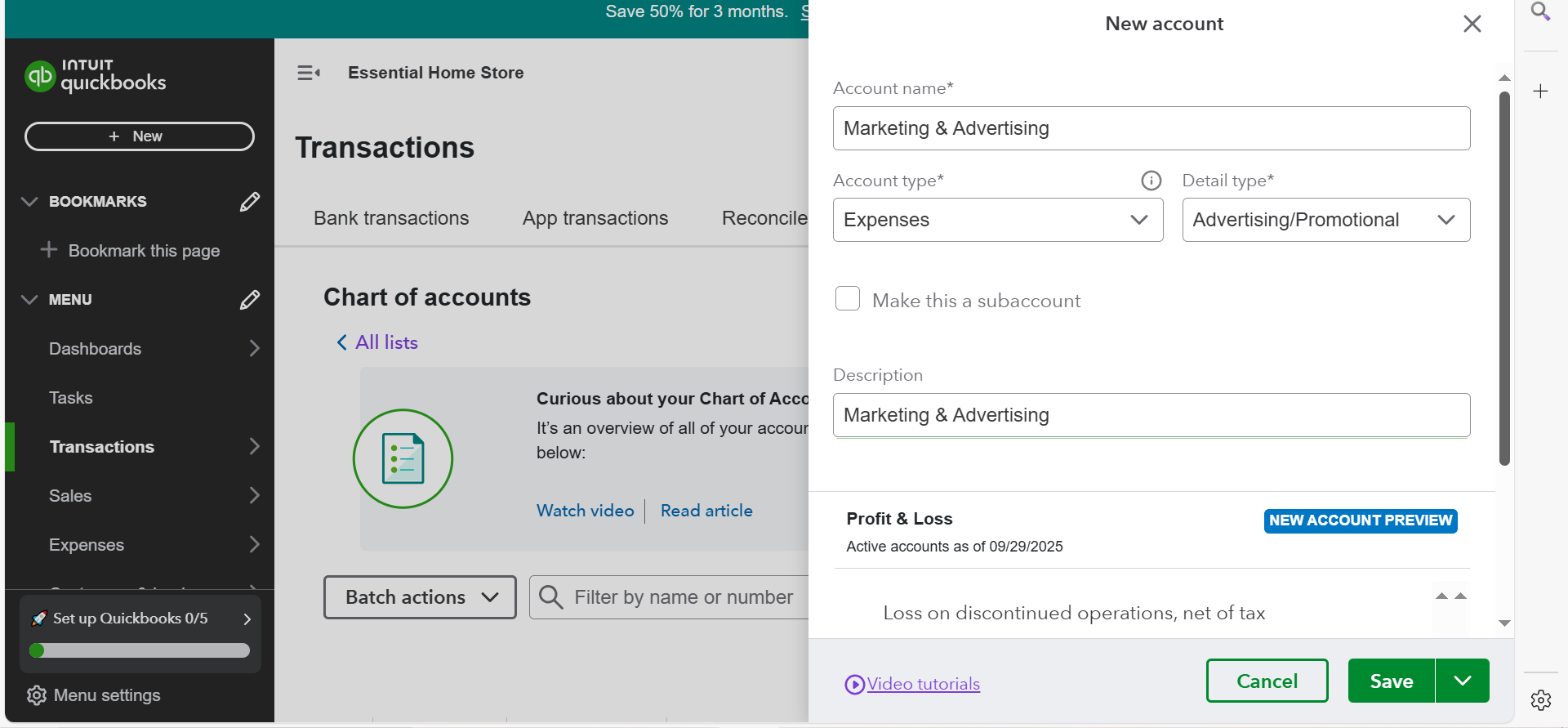
11. Quickbook Chart of Account- Income, Expenses, Liability



SET UP A COMPANY FILE (RETAIL BUSINESS)
1. Set up Company File ( ESSENTIAL HOME STORE)
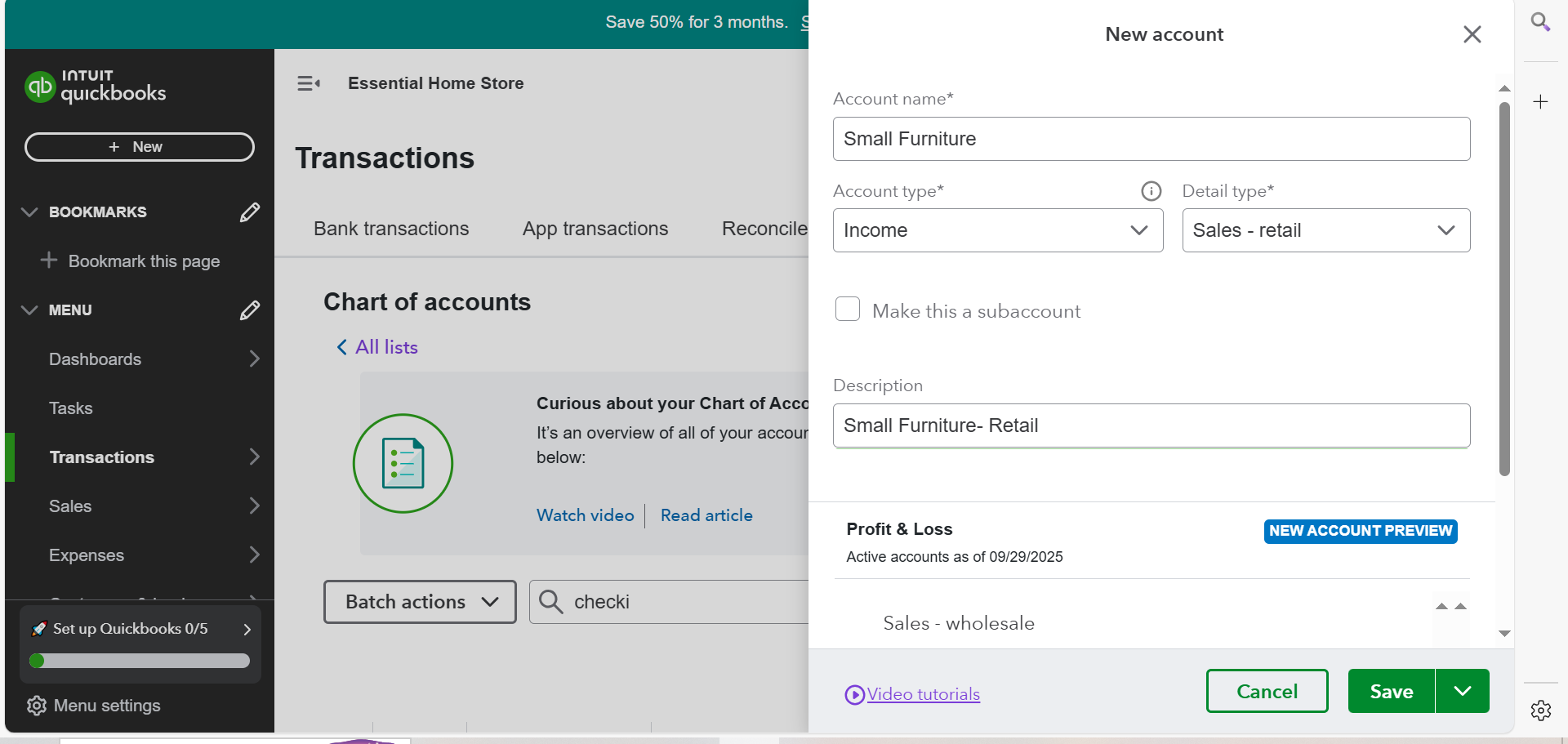
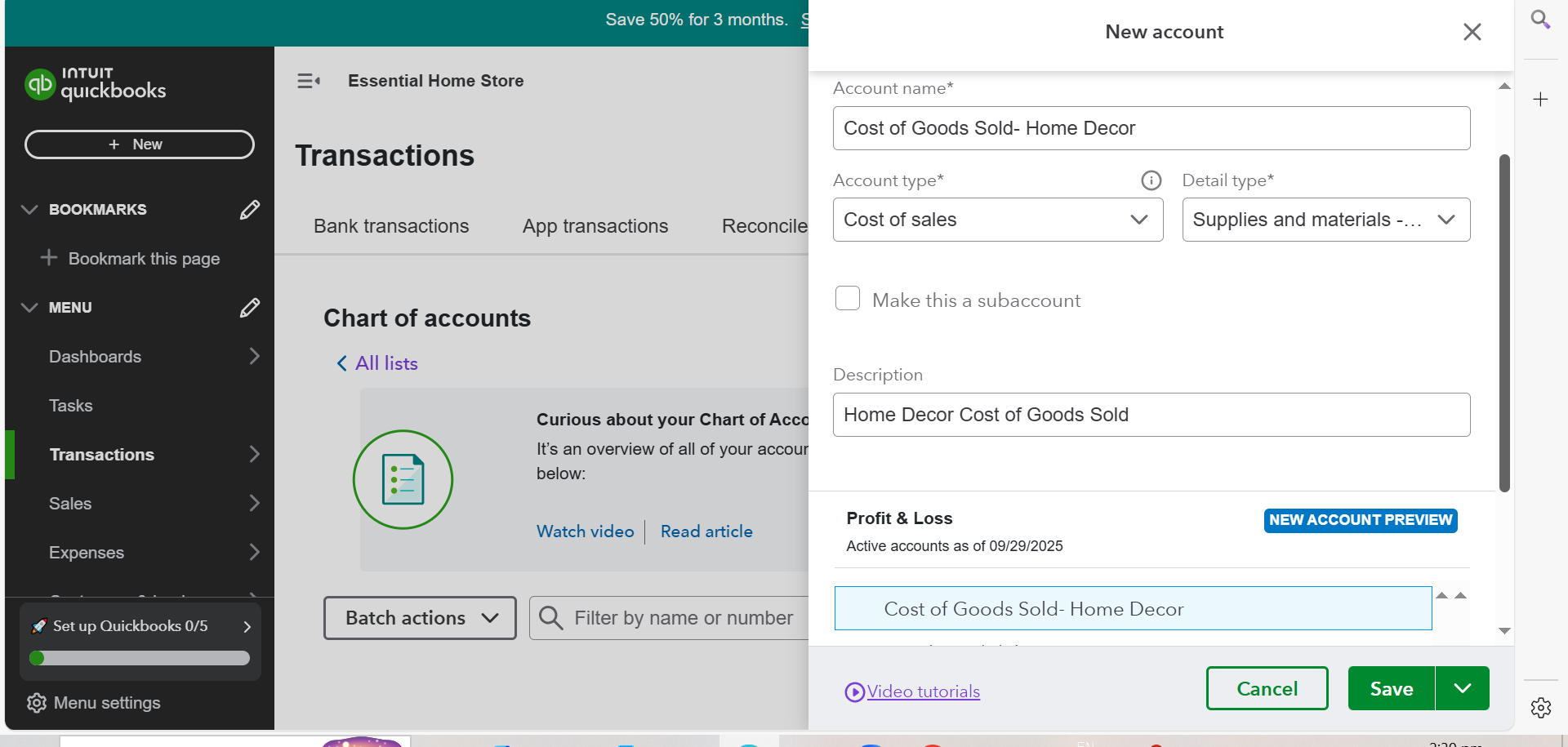
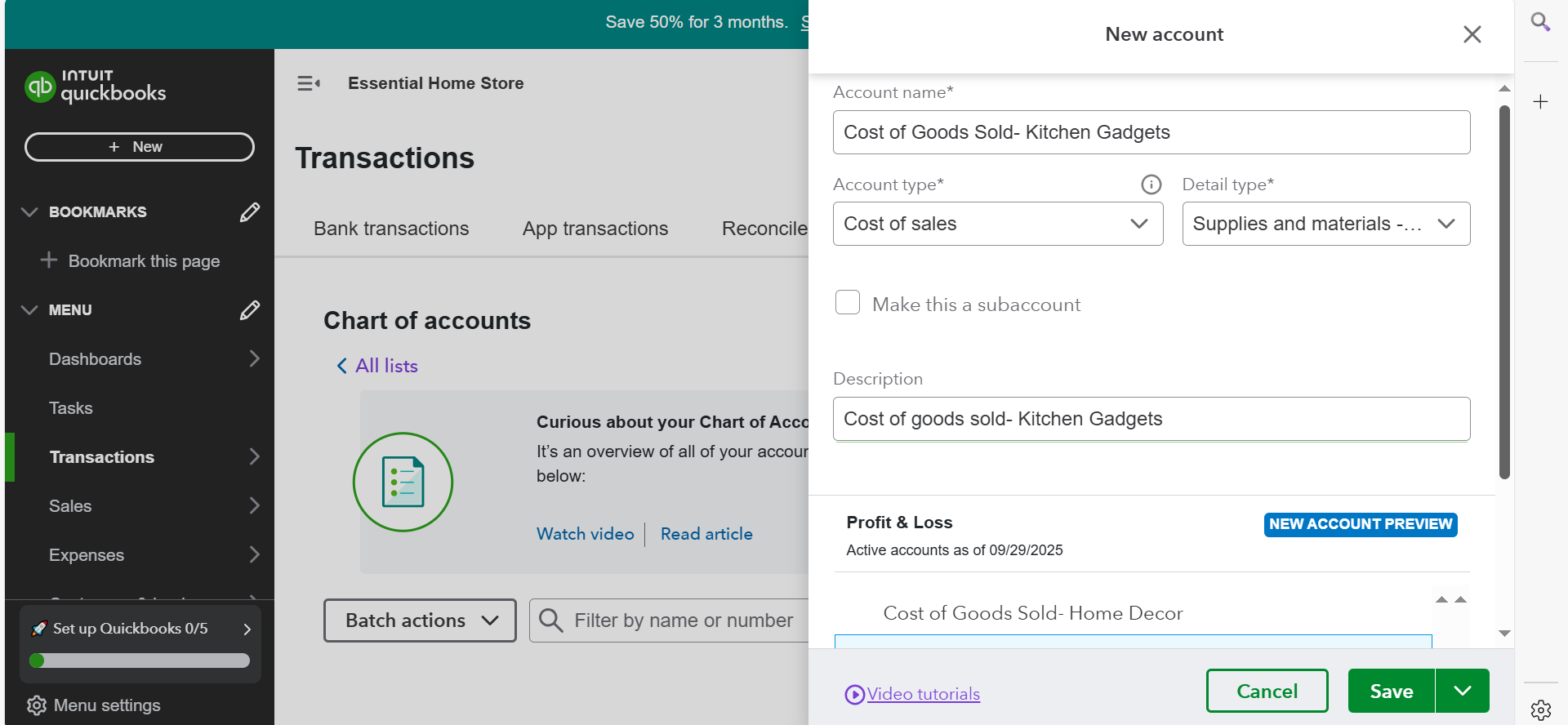
2. Set up Chart of Accounts (Income, Expense, Cost of Goods Sold, Asset Account)
- Income Account
- Expense Account
- Cost of Goods Sold

- Asset Account
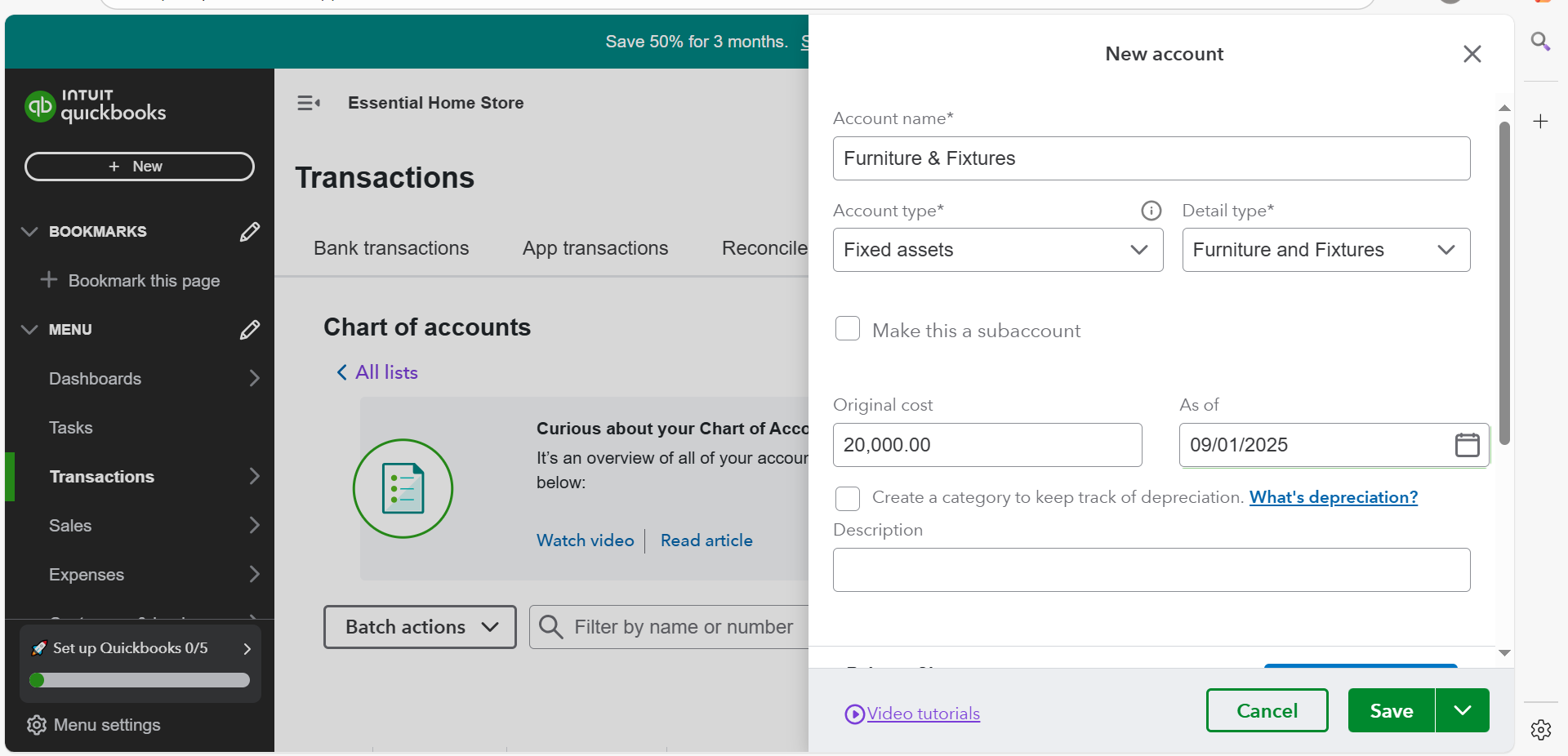
3. Adding Customers, Vendors and Inventory Items
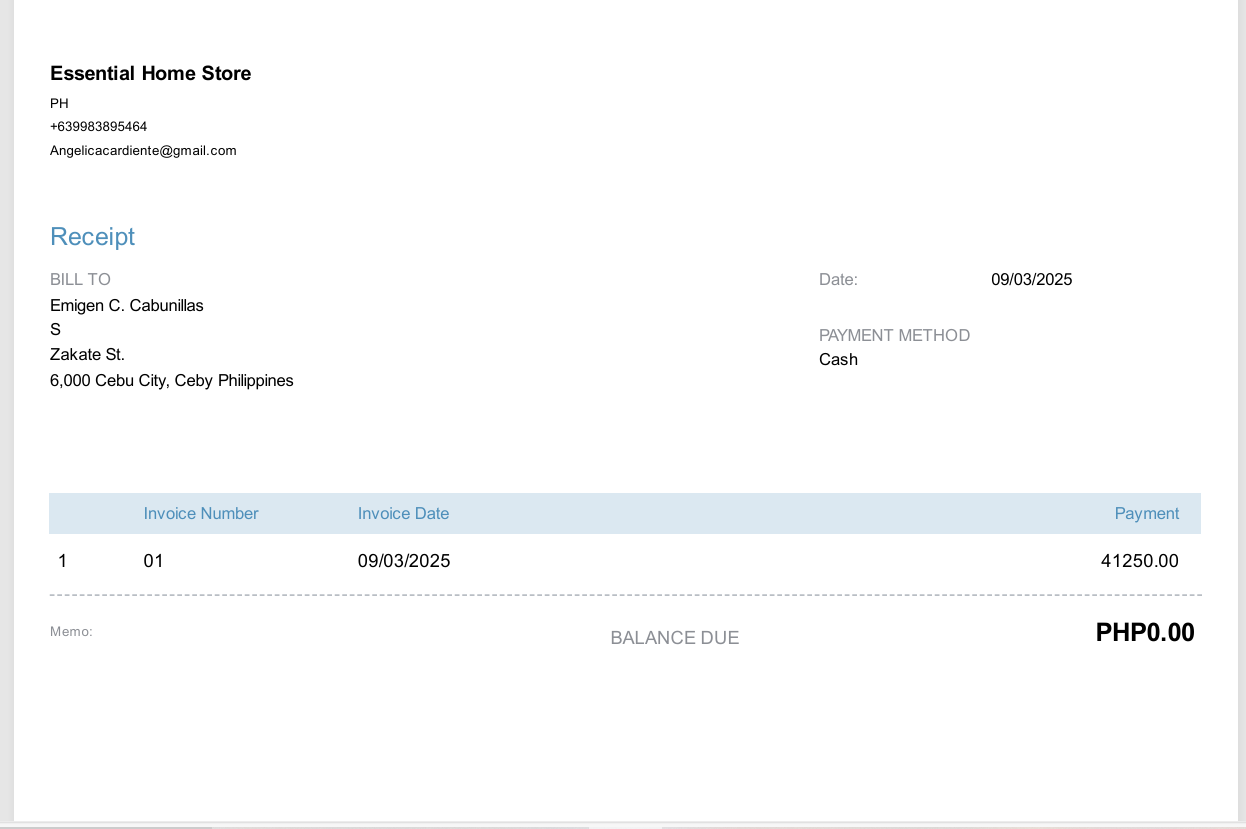
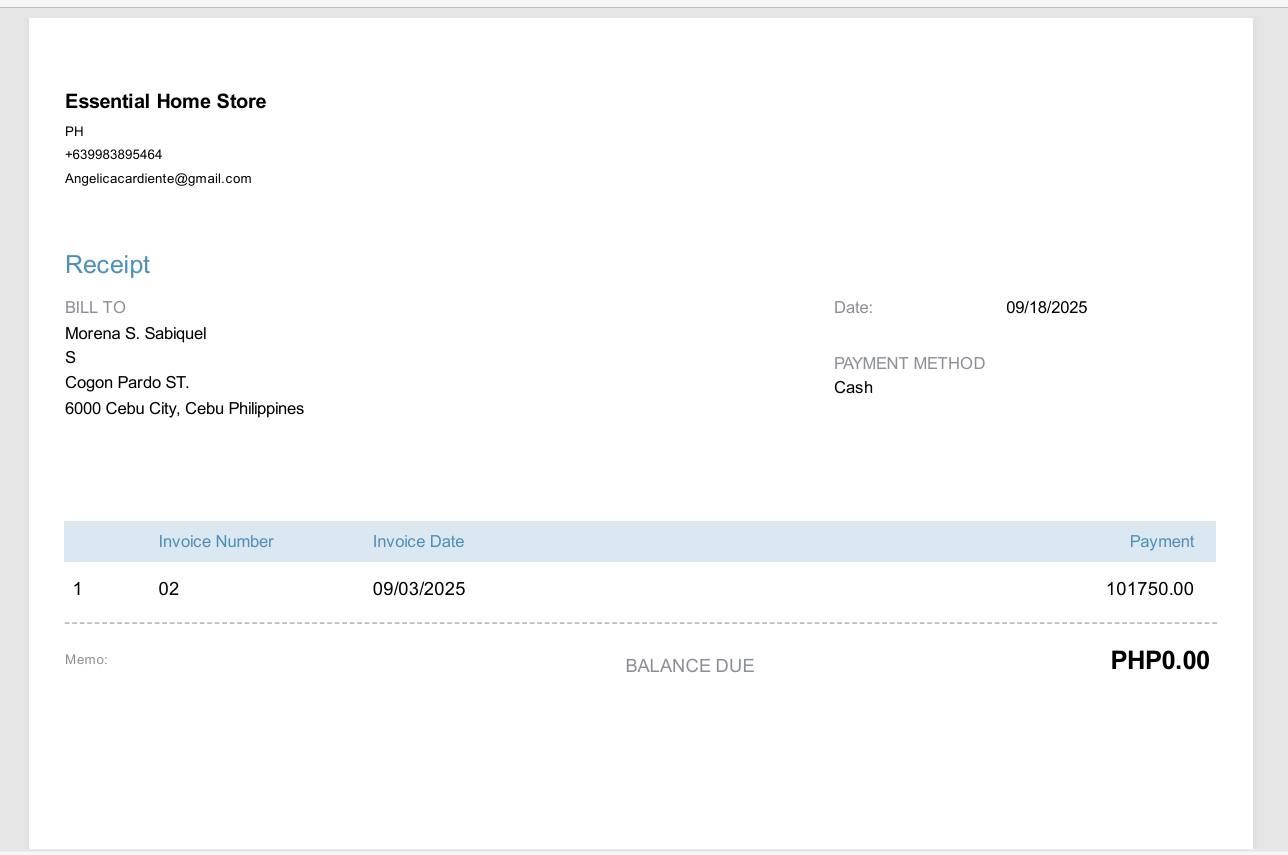
4. Recording Transactions (Purchase Items, Sale to Customer, Received Payment, Expenses)
- Purchase Items
- Sales to Customer
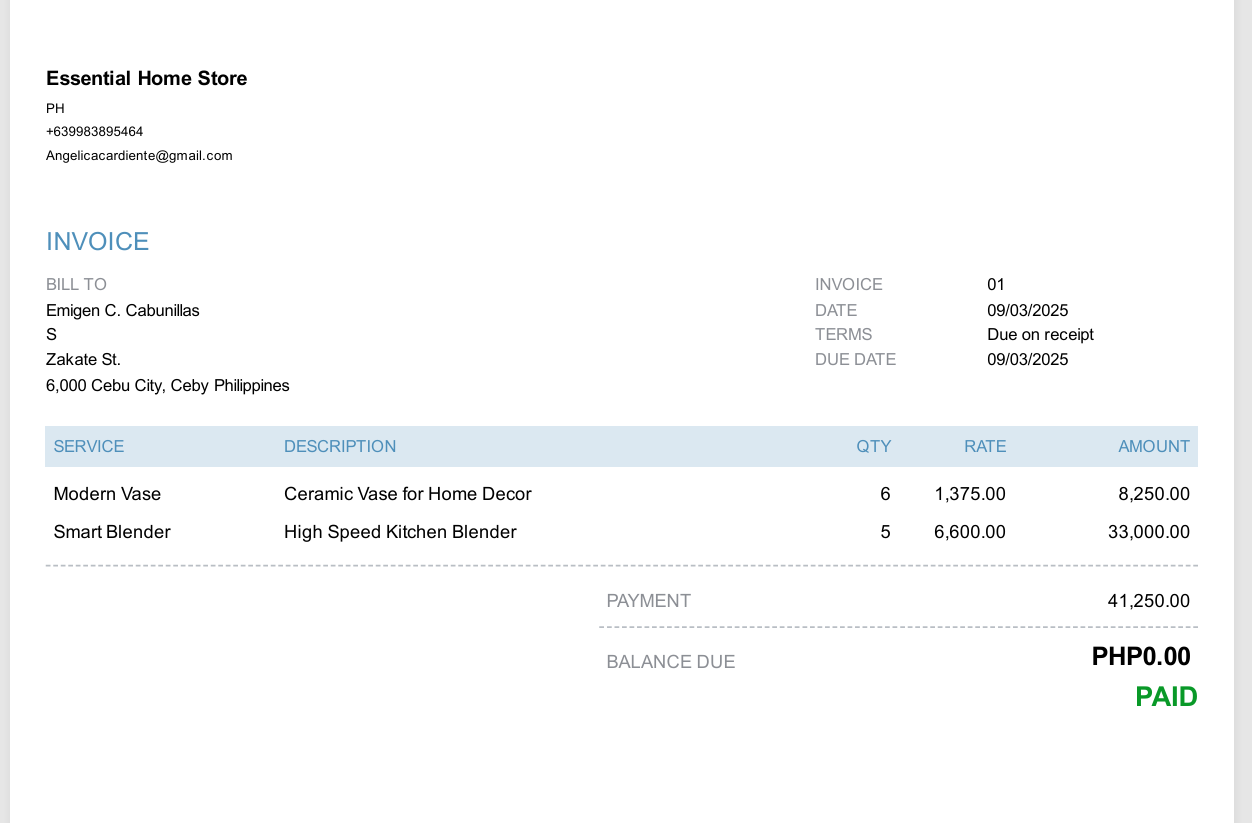
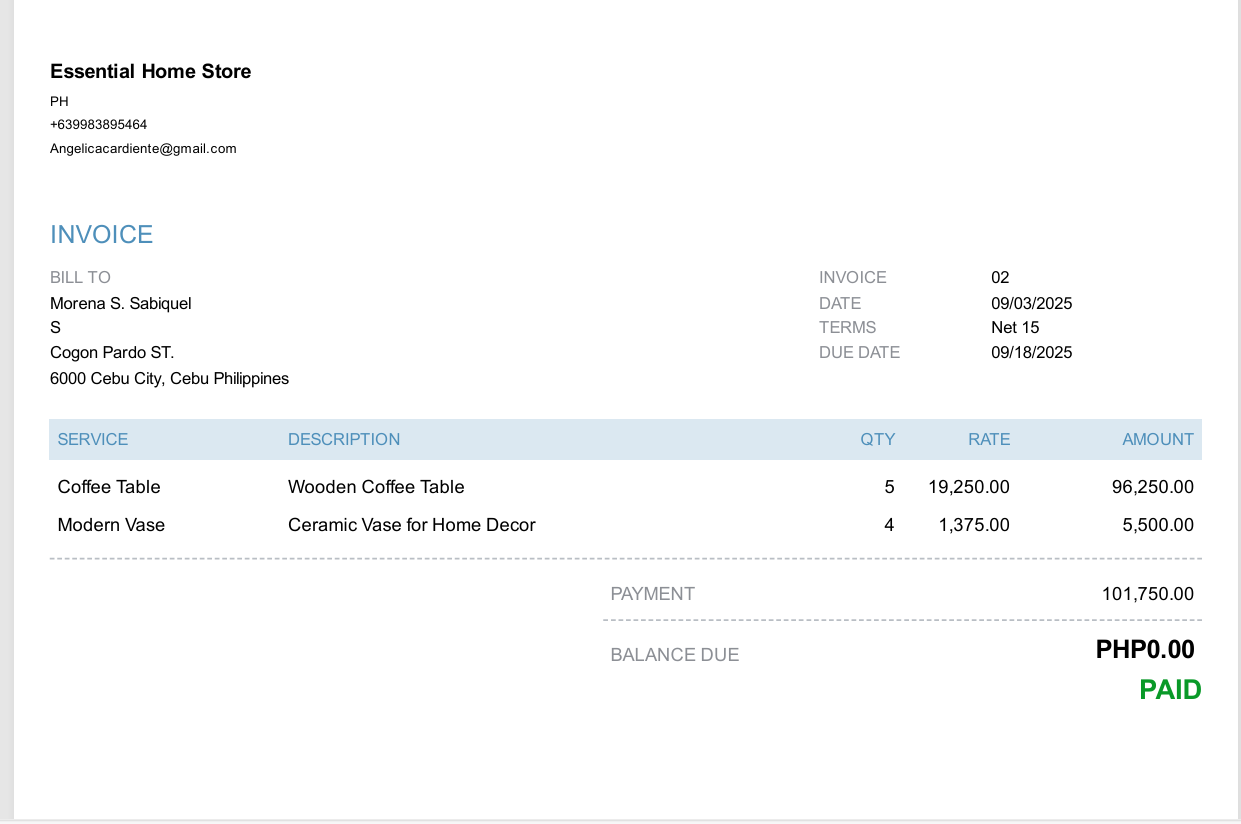
- Received Payment
- Expenses
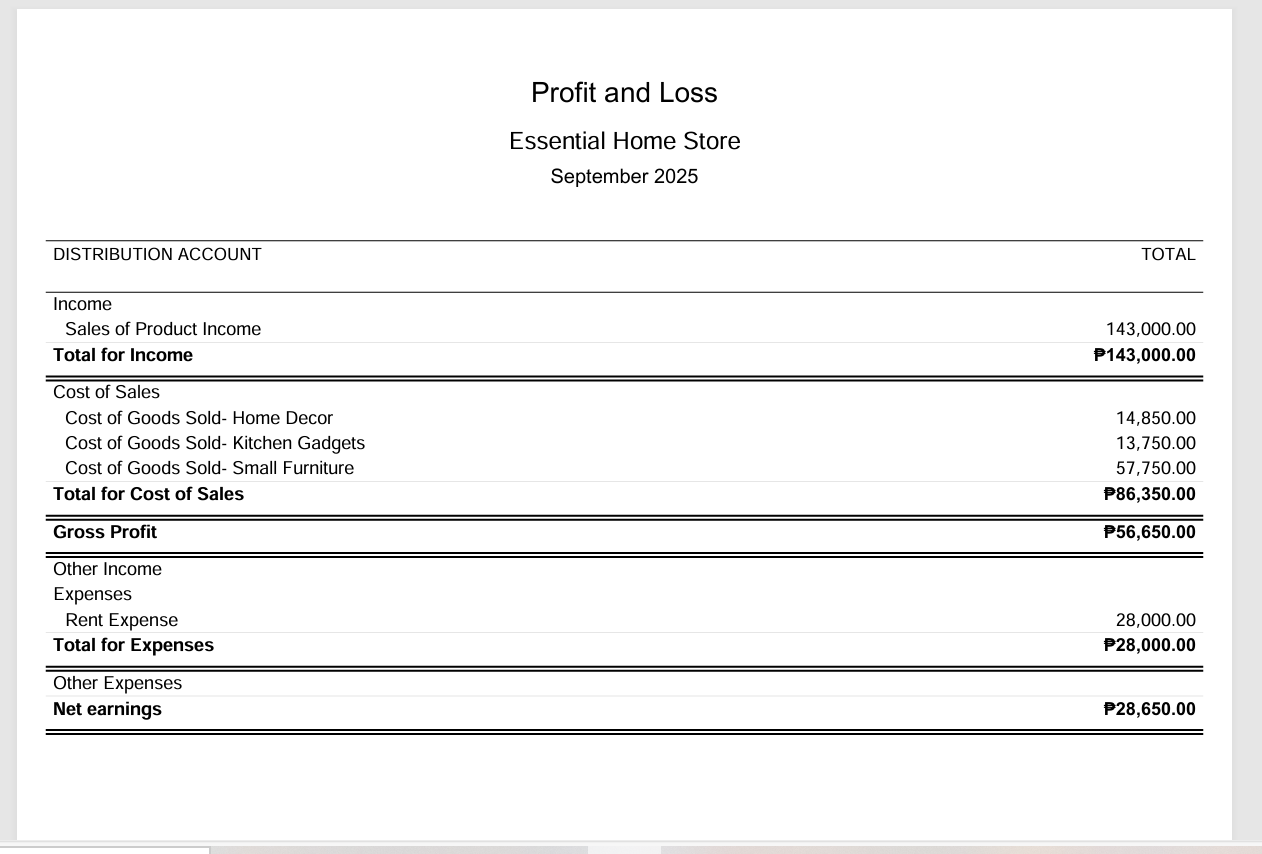
3. Profit and Loss Report
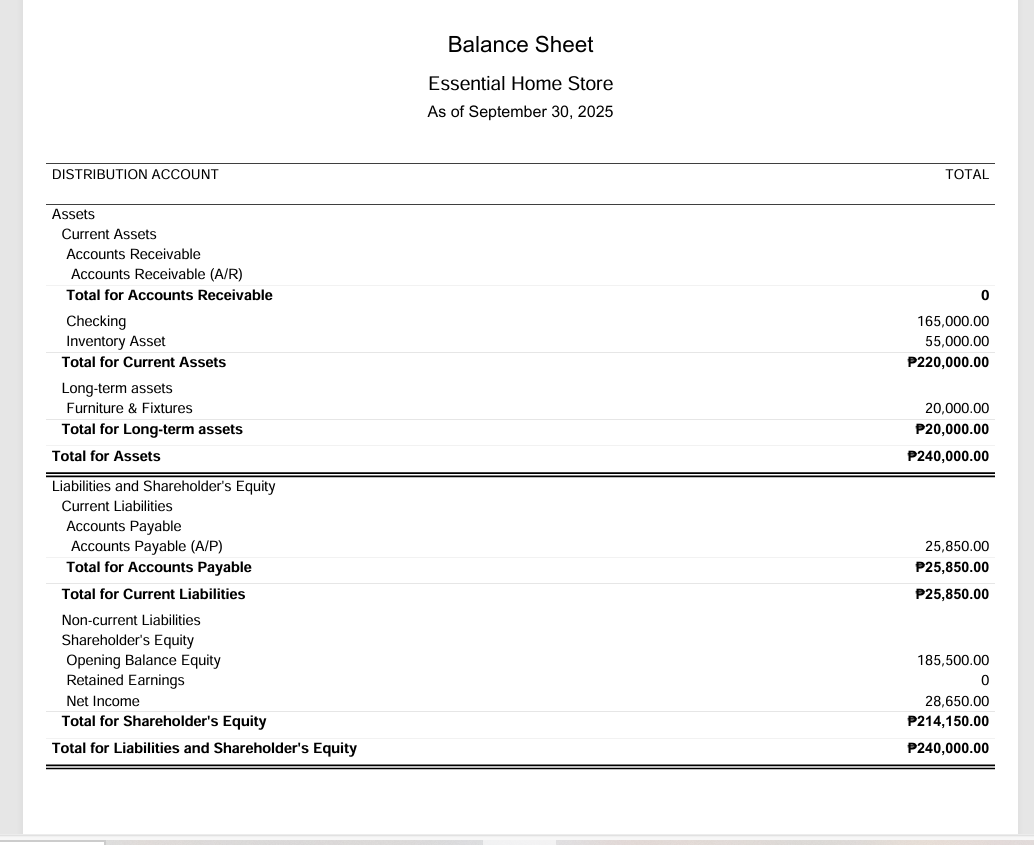
4. Balance Sheet Report
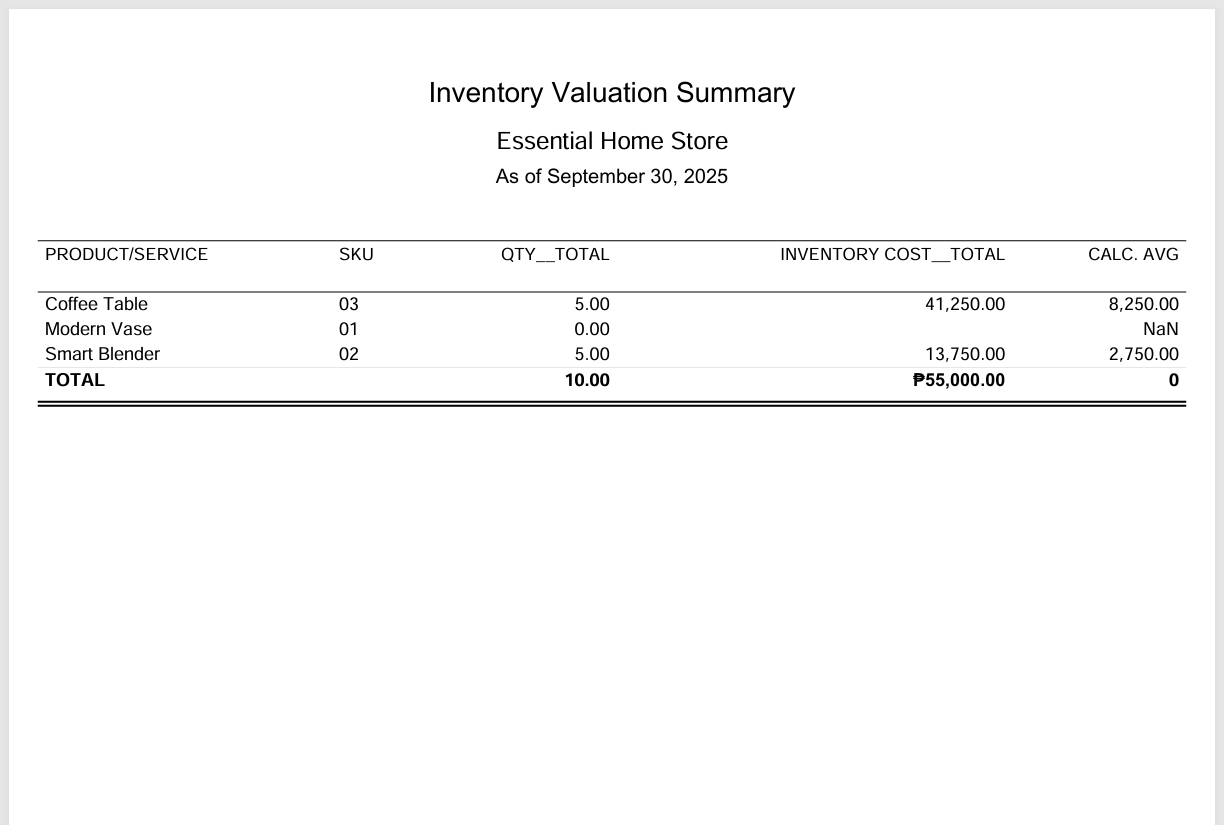
5. Inventory Valuation Summary